04AI
Vision AI
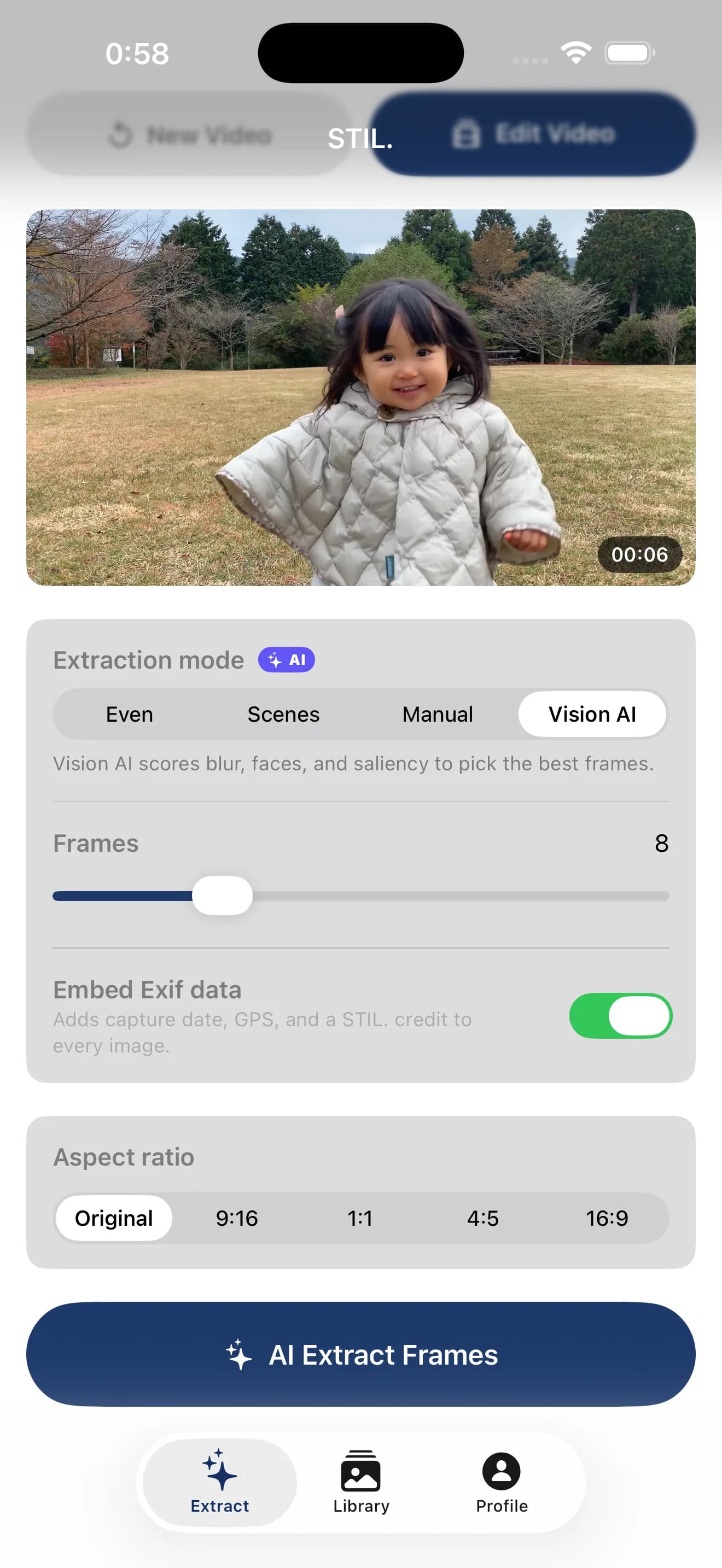
Apple Vision evaluates face capture quality, sharpness, and attention saliency to surface the single frame that stands as a photograph.
Pull a finished photograph from a single video frame. Everything happens on your device.
Frame Extraction
STIL. doesn't just slice frames out of a video. It uses Apple's Vision framework with a custom scoring model to surface the scenes that stand as photographs.
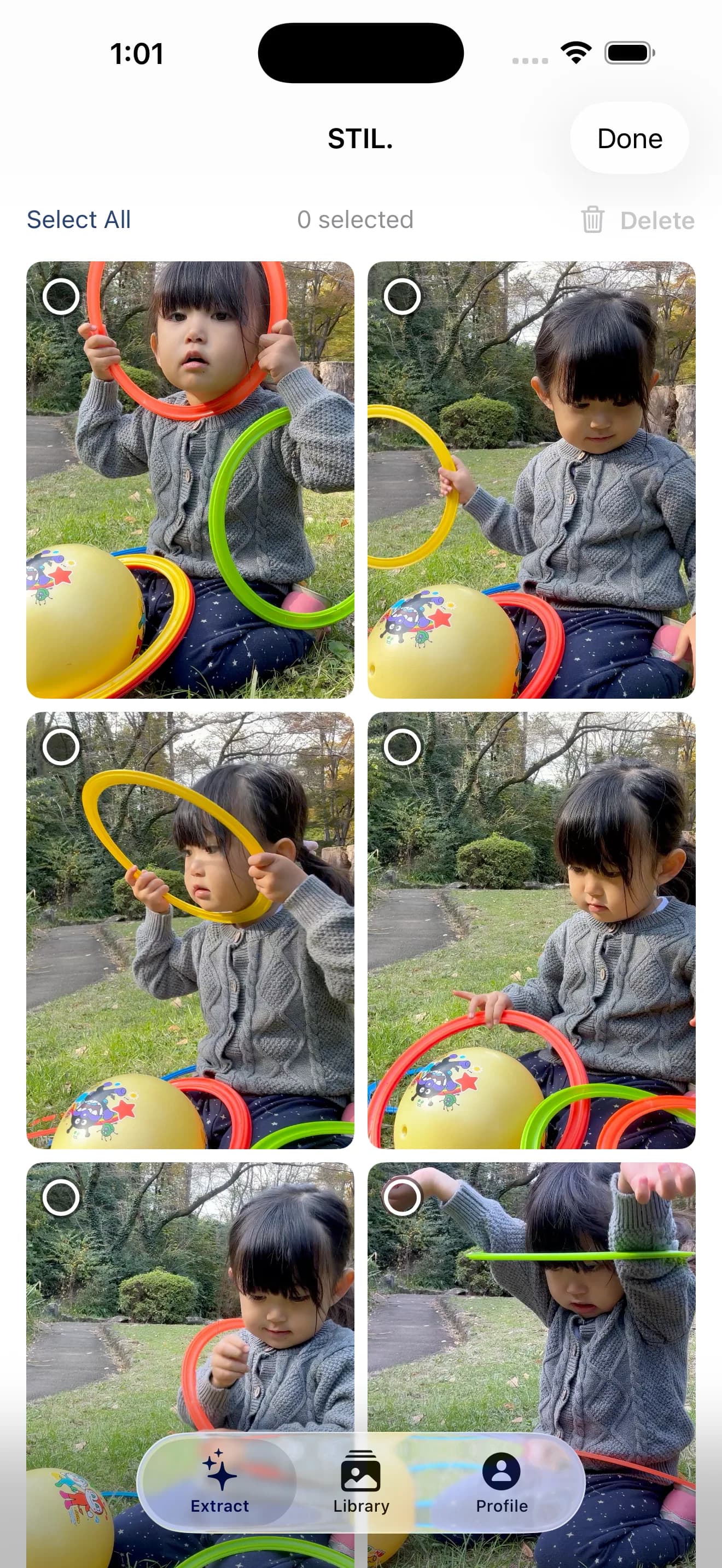
Four extraction modes
Apple Vision evaluates face capture quality, sharpness, and attention saliency to surface the single frame that stands as a photograph.
Split the video into even intervals and export exactly the count you ask for.
Detect scene changes automatically and keep only the meaningful transitions.
Step through the preview frame by frame and pick exactly the ones you want.
Inside the Vision AI score
VisionFrameScorer.swift
On-device Privacy
Your videos and extracted frames stay on your device. No cloud upload, no server processing. Even the web version runs entirely inside your browser.
iPhone Native
Not a generic cross-platform port. STIL. is built for iPhone, made to draw the full performance of the Apple Neural Engine and the Vision framework.
Technical
spec.txtOn-device Intelligence
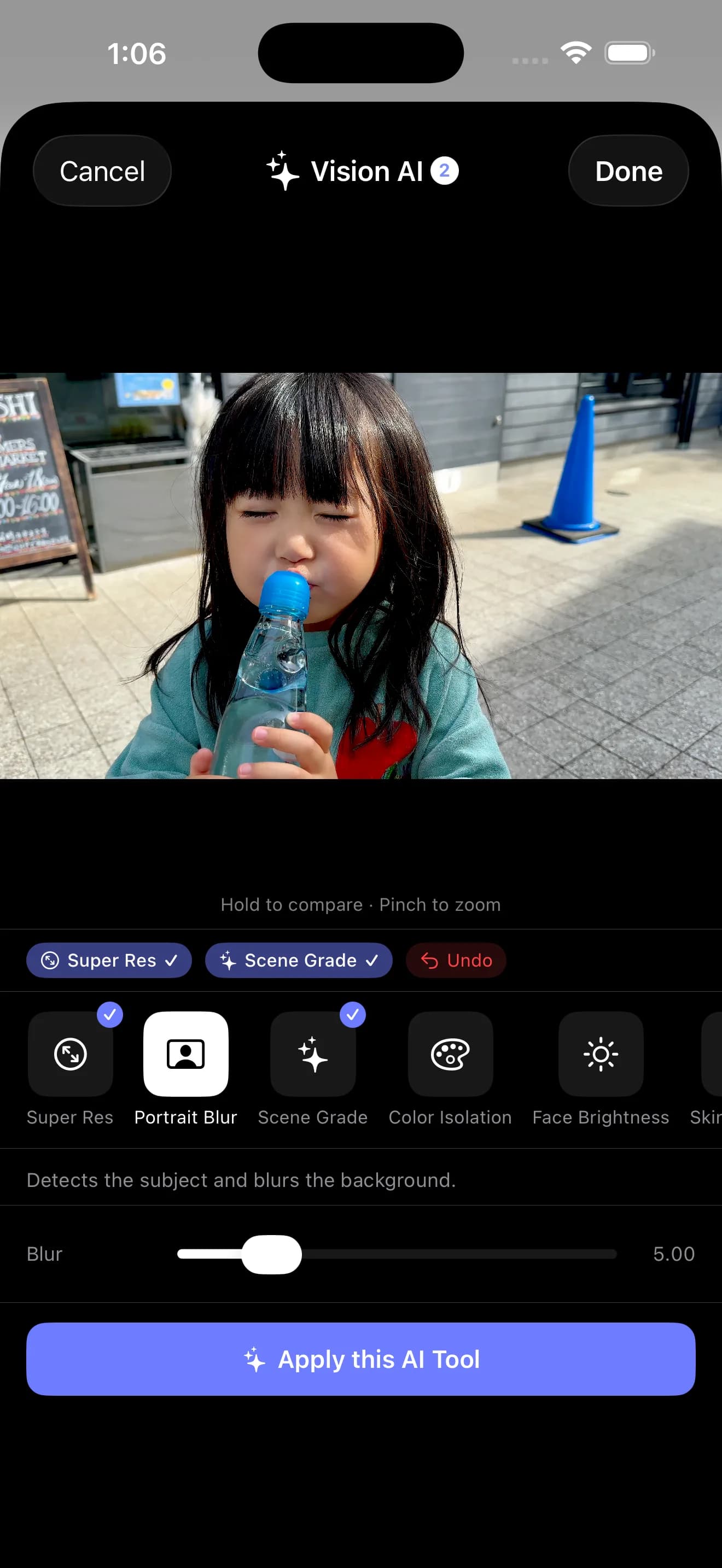
From picking the best frame to polishing every shot — four AI tools for video, seven for photo. All on-device, offline-capable.
Detects blur, faces, and saliency to pick the best frames automatically.
Vision classifies the scene — sunset, night, outdoor, indoor — and applies a matching color preset to the entire clip.
Scores frames at 1fps (sharpness + face + brightness) and isolates the most watchable segment.
Measures average face brightness across the clip and balances skin exposure automatically.
2× upscaling on the Apple Neural Engine. Edges and detail preserved.
Vision detects the subject and renders a lens-style background blur.
Identifies the scene and grades the color automatically.
Keeps the subject in color. Sends the background to monochrome.
Smooths skin only. Eyes, lips, and brows stay sharp.
Detects faces and balances skin brightness.
Detects the horizon line and straightens the frame.
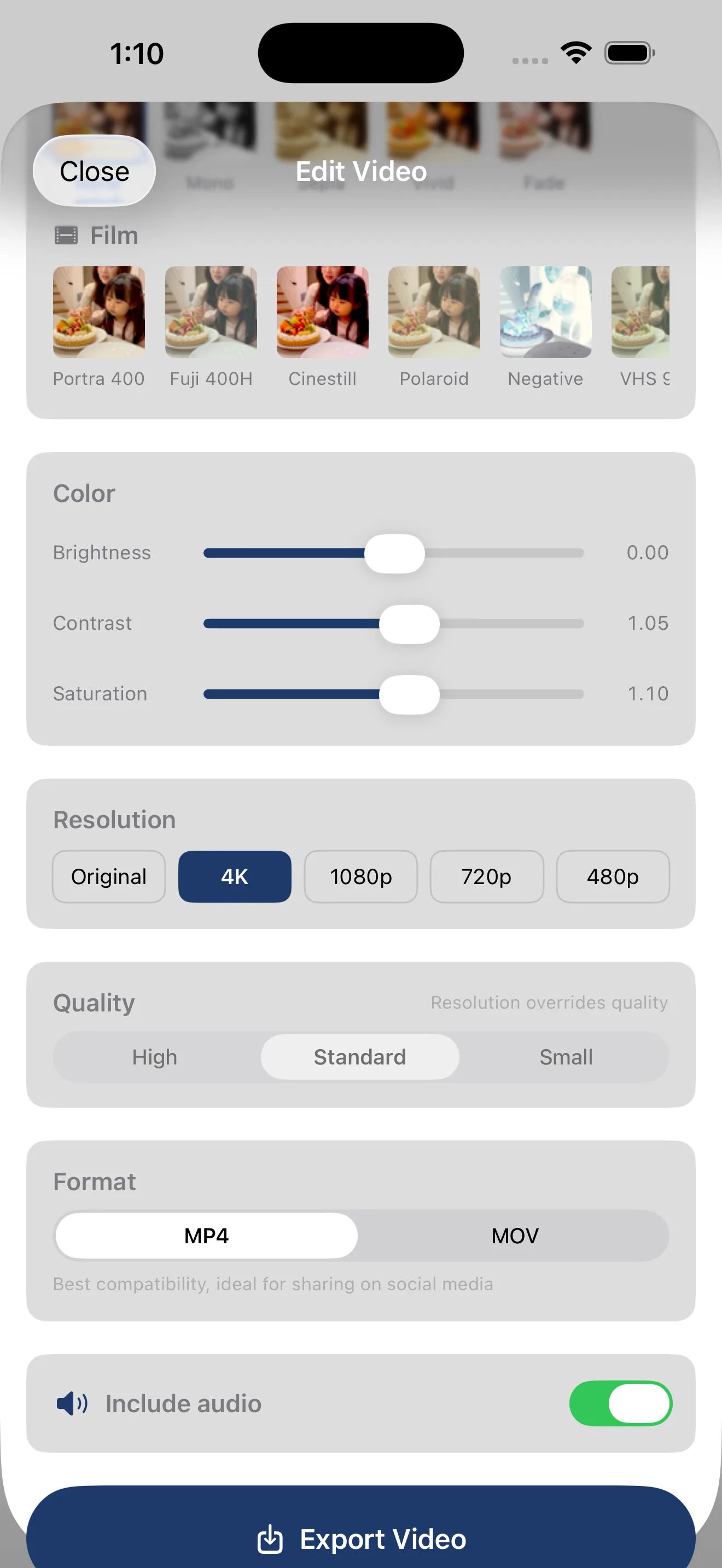
Film Stocks
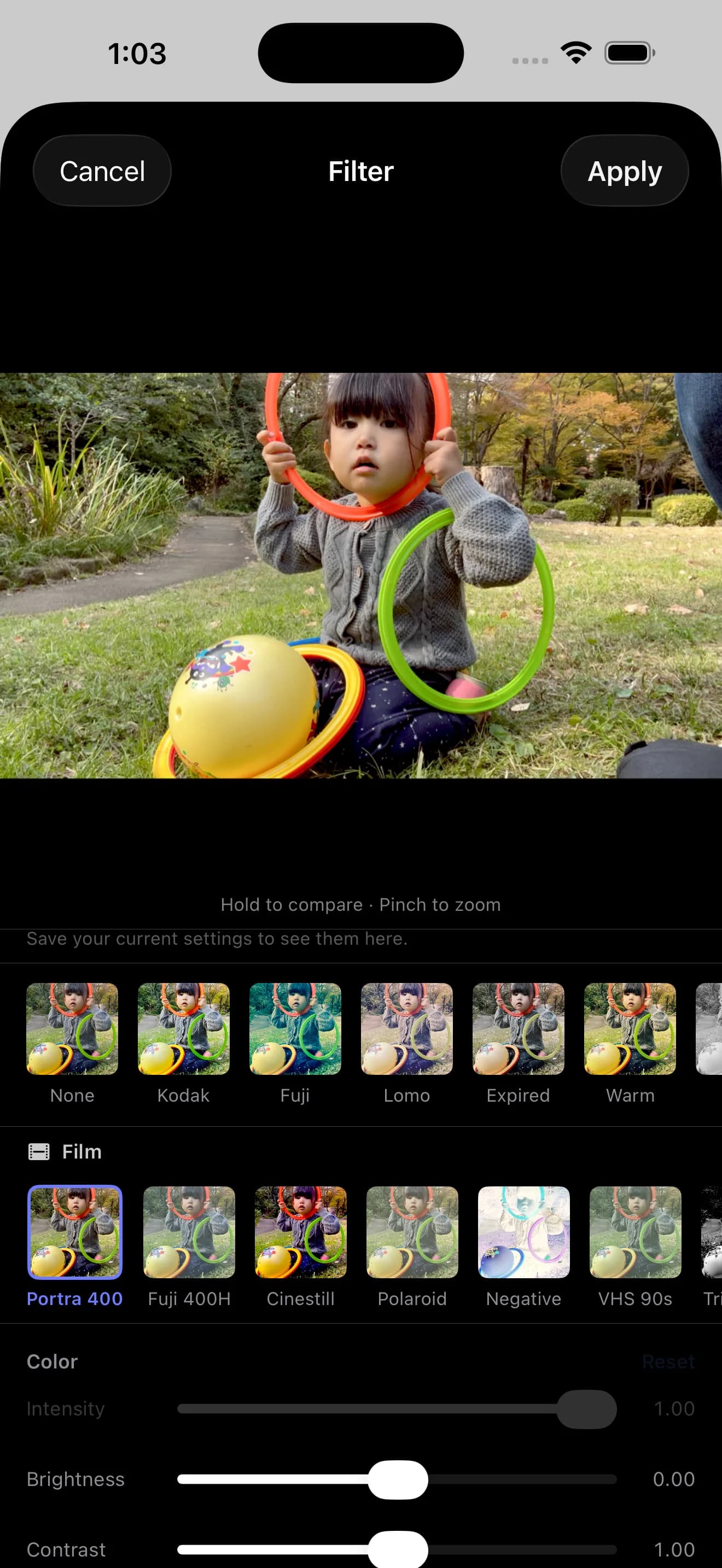
Four Free and four Pro, eight film stocks in total. Source files stay untouched — color is applied only on export.
Start light.
¥250 / month. Save 50%.
Pay once. Use forever.
Billing is via the App Store only. Pricing may change without notice.
Plan Comparison
STIL. is free to use. Upgrade to Pro inside the iOS app (App Store).
Extraction and AI finishing, for free.
Extraction
AI Tools
Library
Export
Customization
No watermark, cloud sync, advanced export.
Extraction
AI Tools
Library
Export
Customization

Cloud Library
Projects sync automatically through iCloud. Extract on iPhone, refine on iPad — pick up where you left off on any device.
Turn faces into illustrations with Apple Intelligence — an iPhone app for sharing family photos, freely and adorably.
Get the lifetime version at ¥4,000. After 100 sign-ups, the price returns to ¥6,000.
The iOS app is on the way. Try a slice of it in your browser today.