 Download on the App Store
3D Animation
The only style available on Free. Same as Animation on iOS 26.
On your iPhone by default. Only the heavy lifting runs on Apple's private cloud. Share family photos on social media — your kids' photos never leave Apple's infrastructure.
What you can do
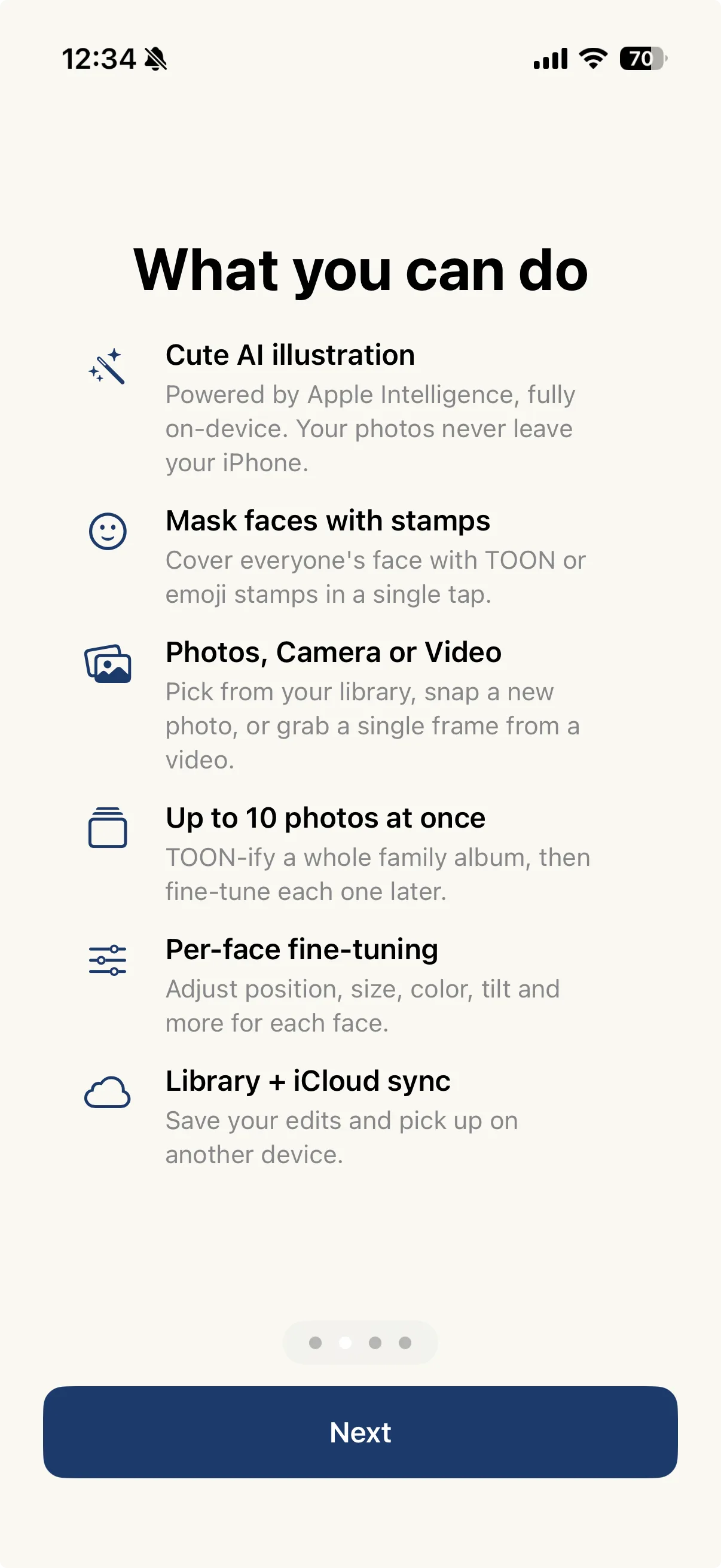
Simple, powerful tools you can use right after onboarding. Works for kids — and for family or friends too.
On iOS 27, 14 styles for faces and 16 for the whole photo. Photos never leave Apple's infrastructure.
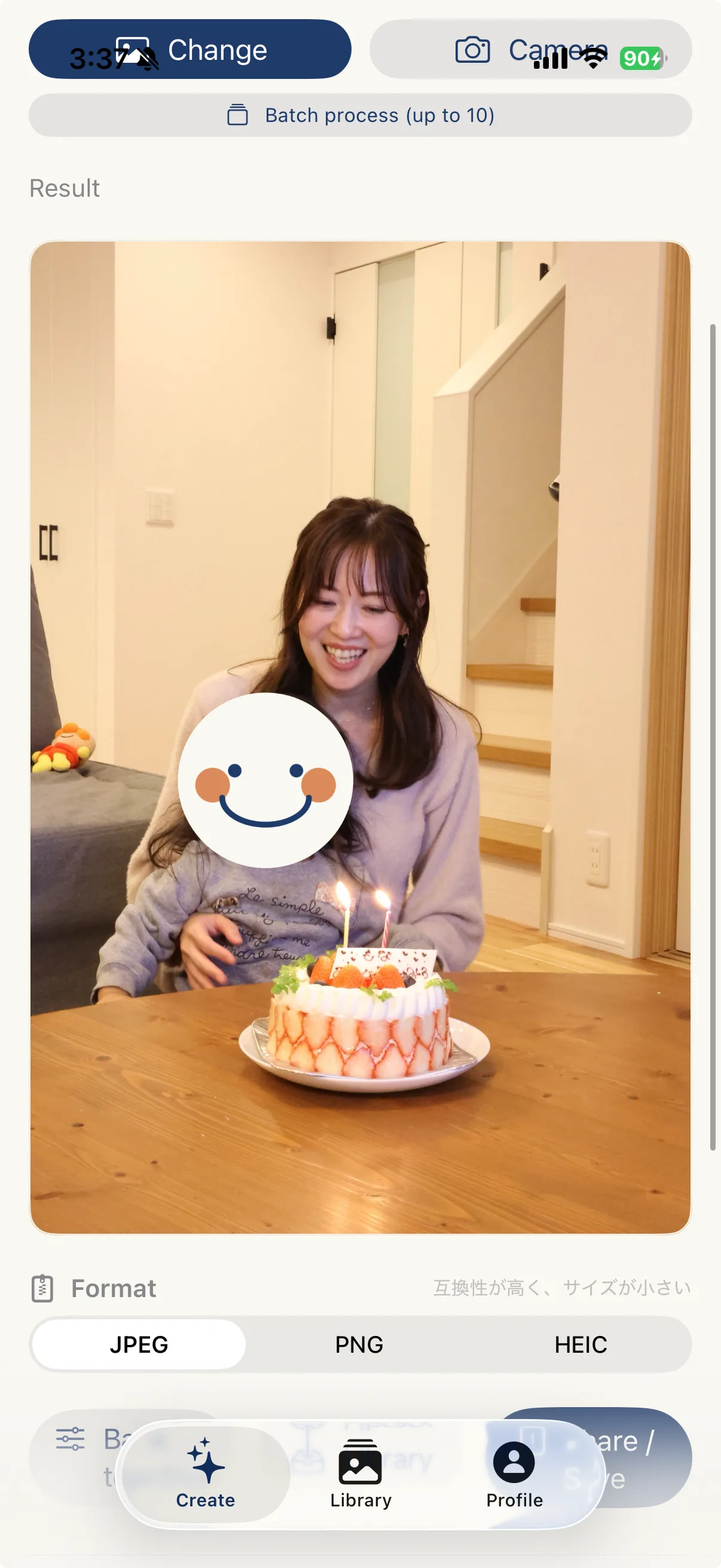
Mask everyone's face in one tap with TOON-chan or emoji.
Pick from album, capture live, or extract one frame from video.
TOON-ify an entire family album. Tune each one later if you like.
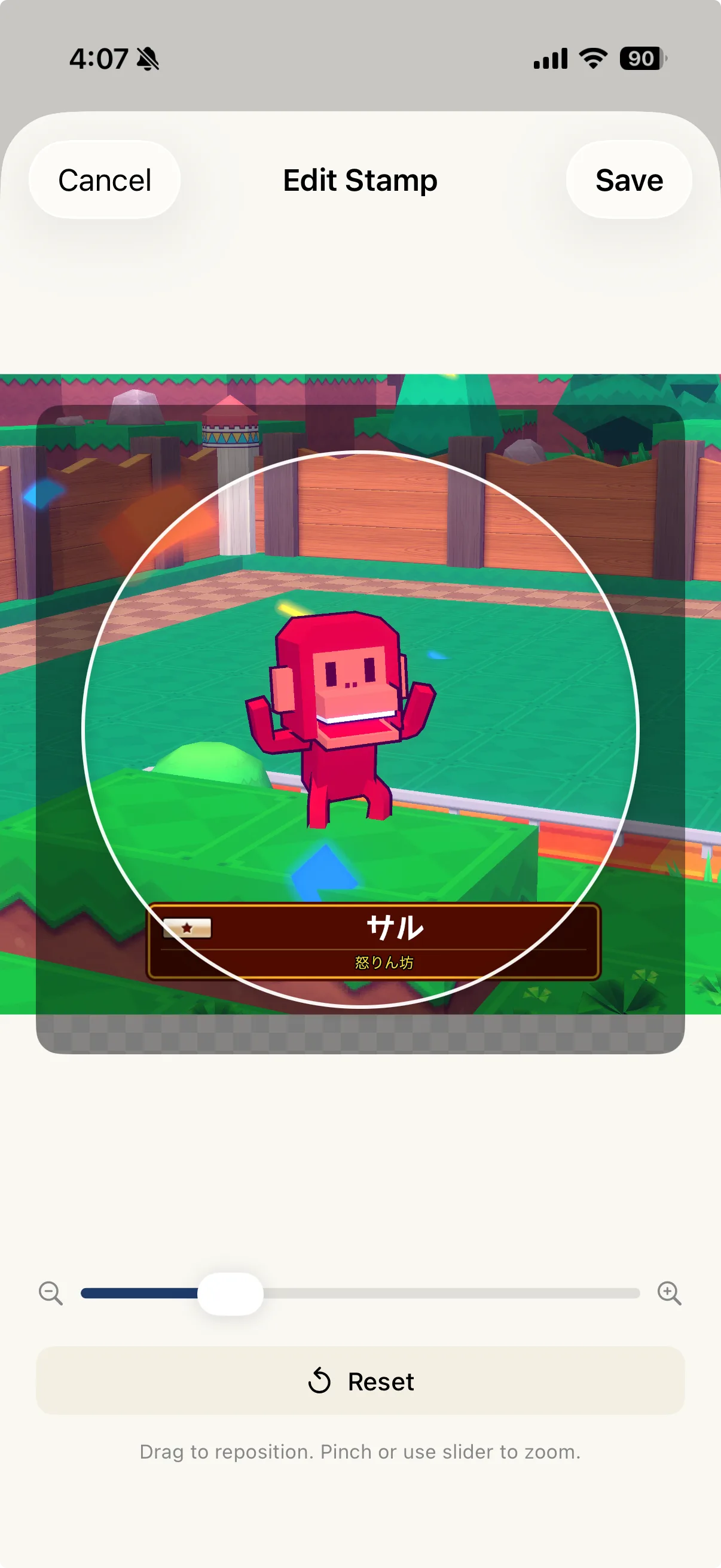
Position, size, color correction, and tilt — all adjustable.
Save edit state and pick up where you left off, on any device.
Apple Intelligence
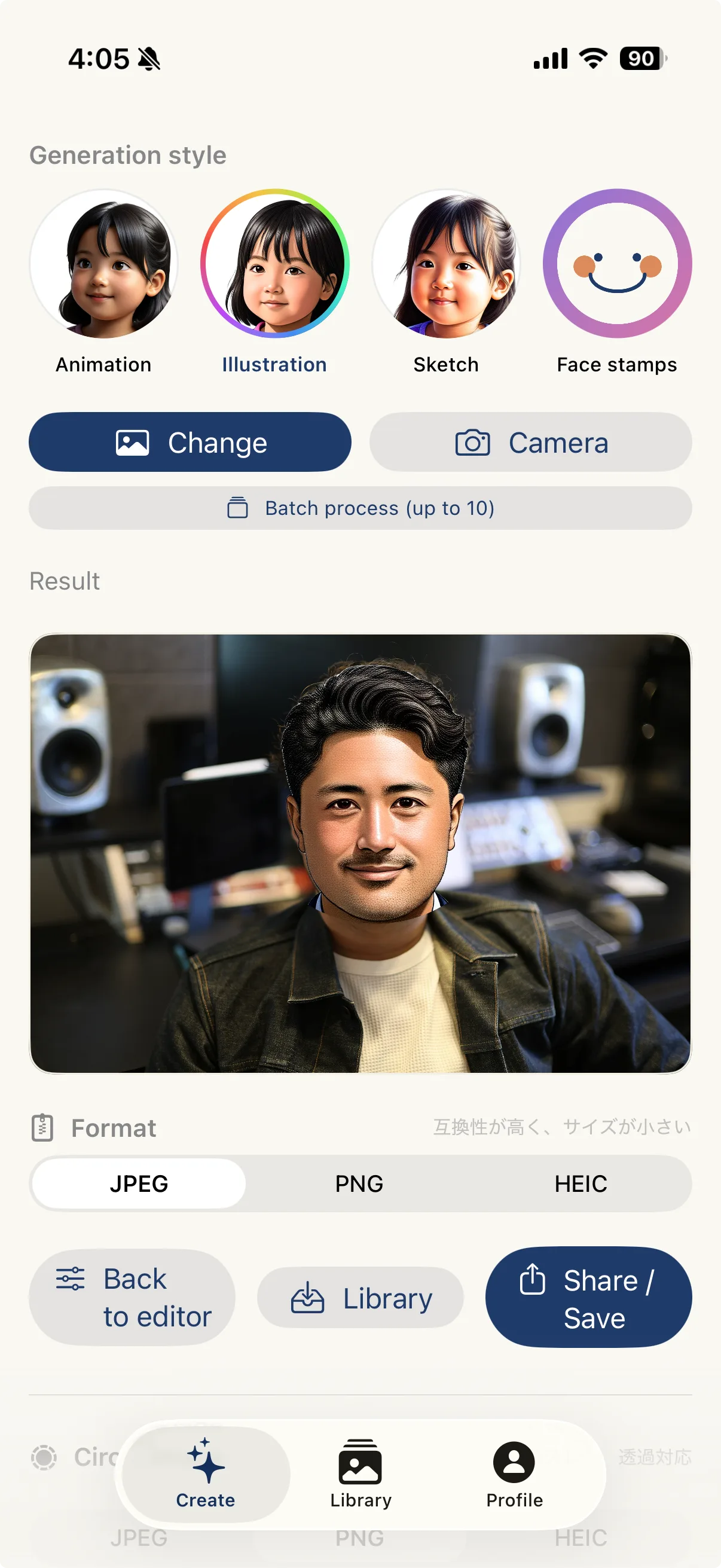
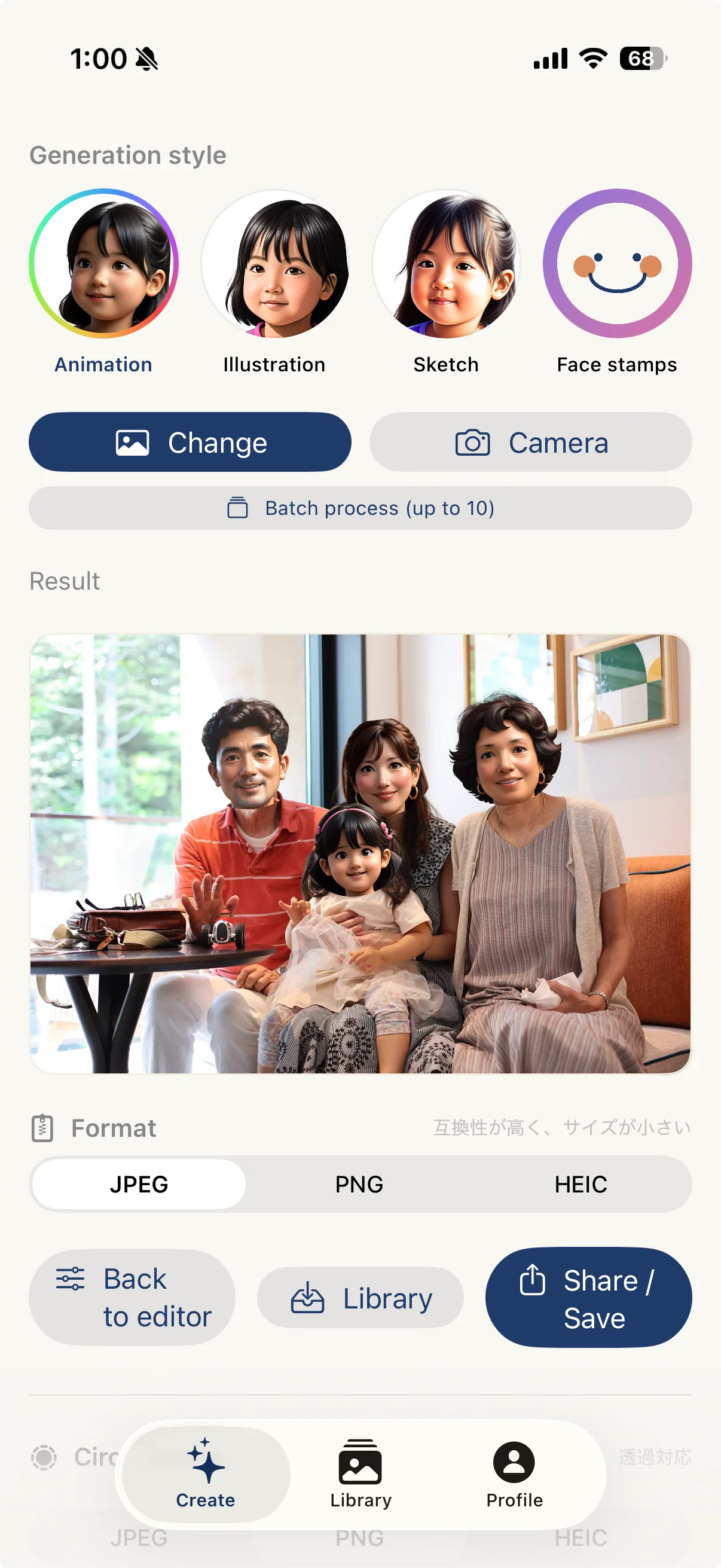
On iOS 27, pick a style in Face mode to illustrate faces only, or in Whole Photo mode to turn the entire photo into art. Faces aren't hidden. Even when it uses Apple's Private Cloud Compute (PCC), no one can see the contents, and they're never used to train models. iOS 26 keeps the three styles: Animation, Illustration, and Sketch.
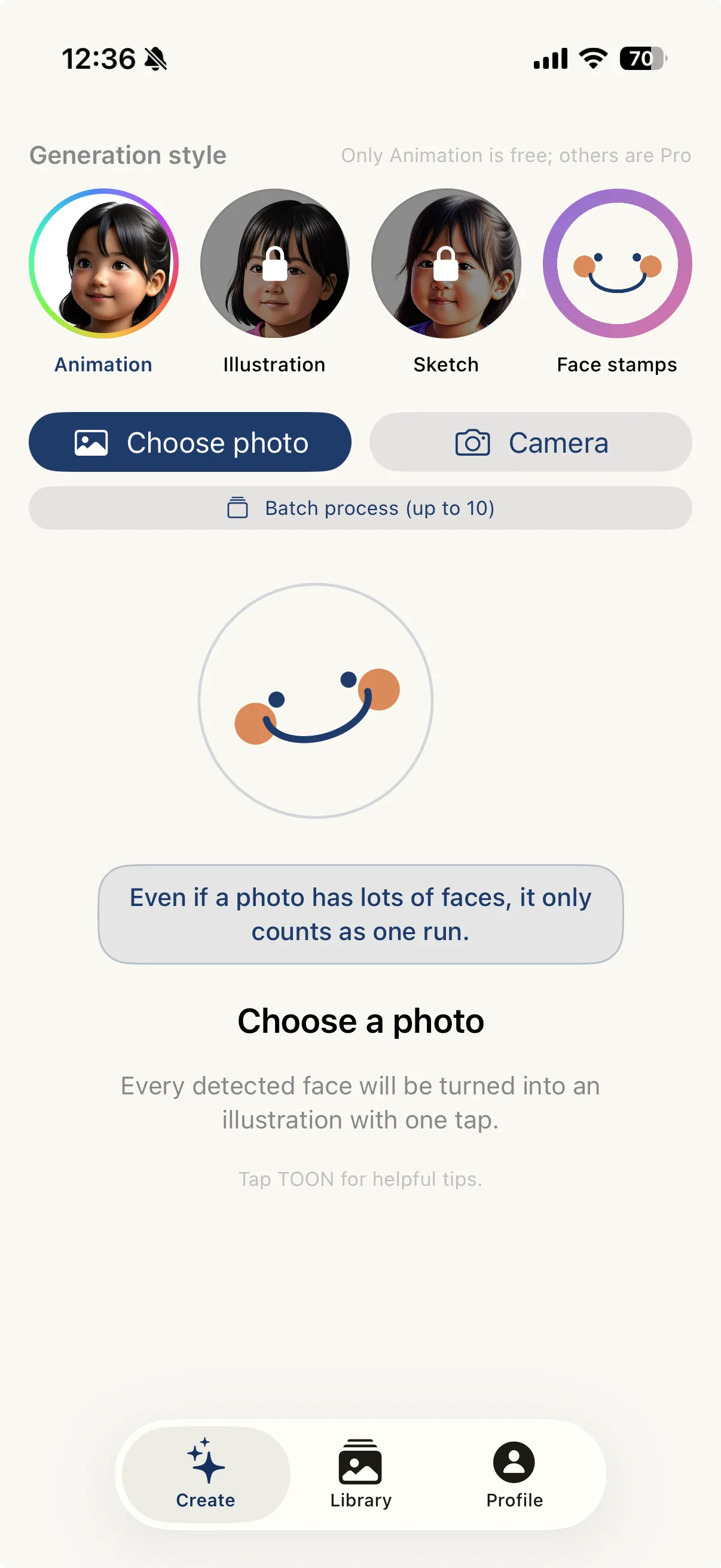
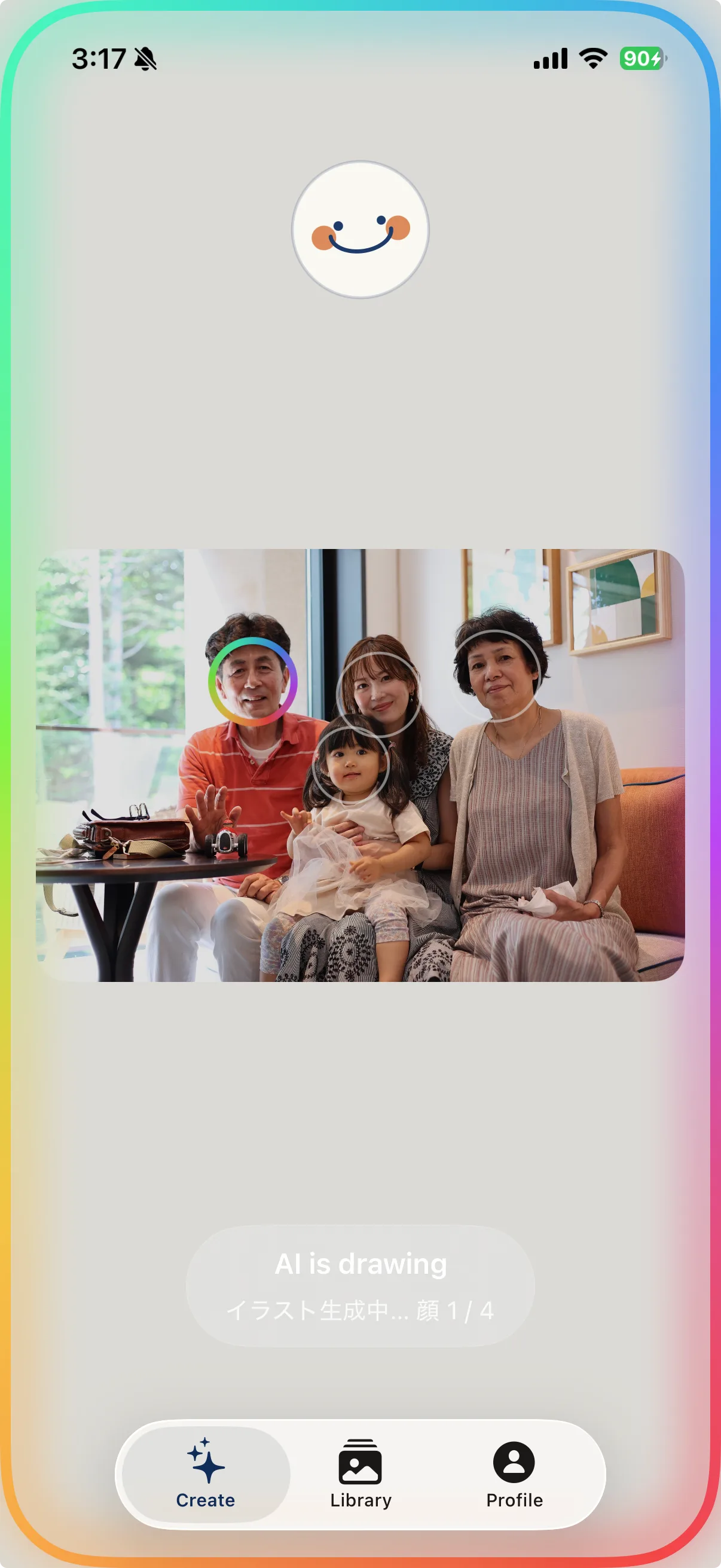
The only style available on Free. Same as Animation on iOS 26.
Sketch, storybook, watercolor, shojo manga, colored pencil, and more. Pro for all but 3D Animation.
Claymation, figurine, pixel art, oil painting, and more — the entire photo becomes art. Faces aren't hidden. Pro for all but 3D Animation.
Compatibility
Illustration with Apple Intelligence requires iPhone 15 Pro or later. On iOS 27, AI illustration isn't available offline. On other devices, or offline, you can still hide faces with face stamps and share photos with peace of mind.
Face Stamps
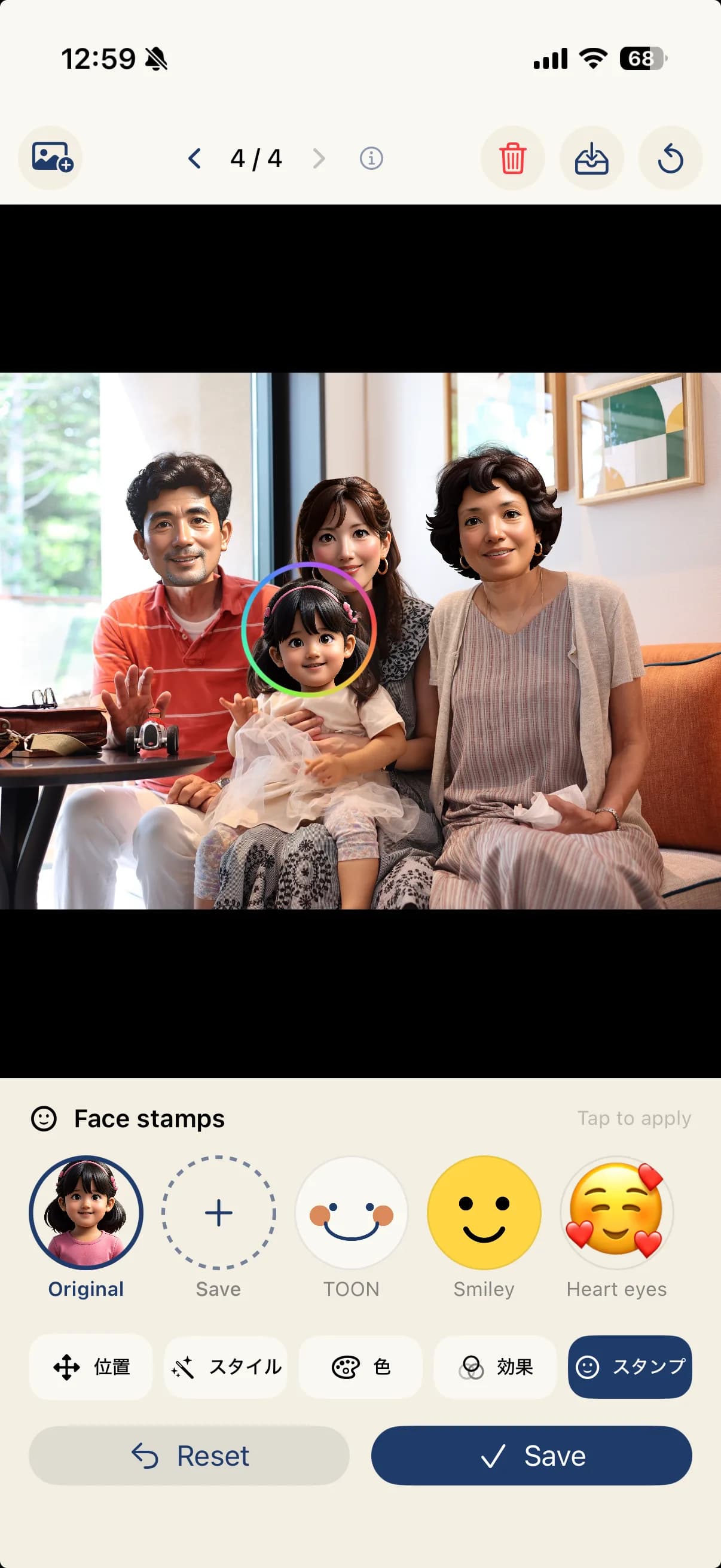
Choose from presets like TOON-chan and Niko, plus emoji and your own imported images. Unlimited on Pro.
6 presets + emoji + your own imports
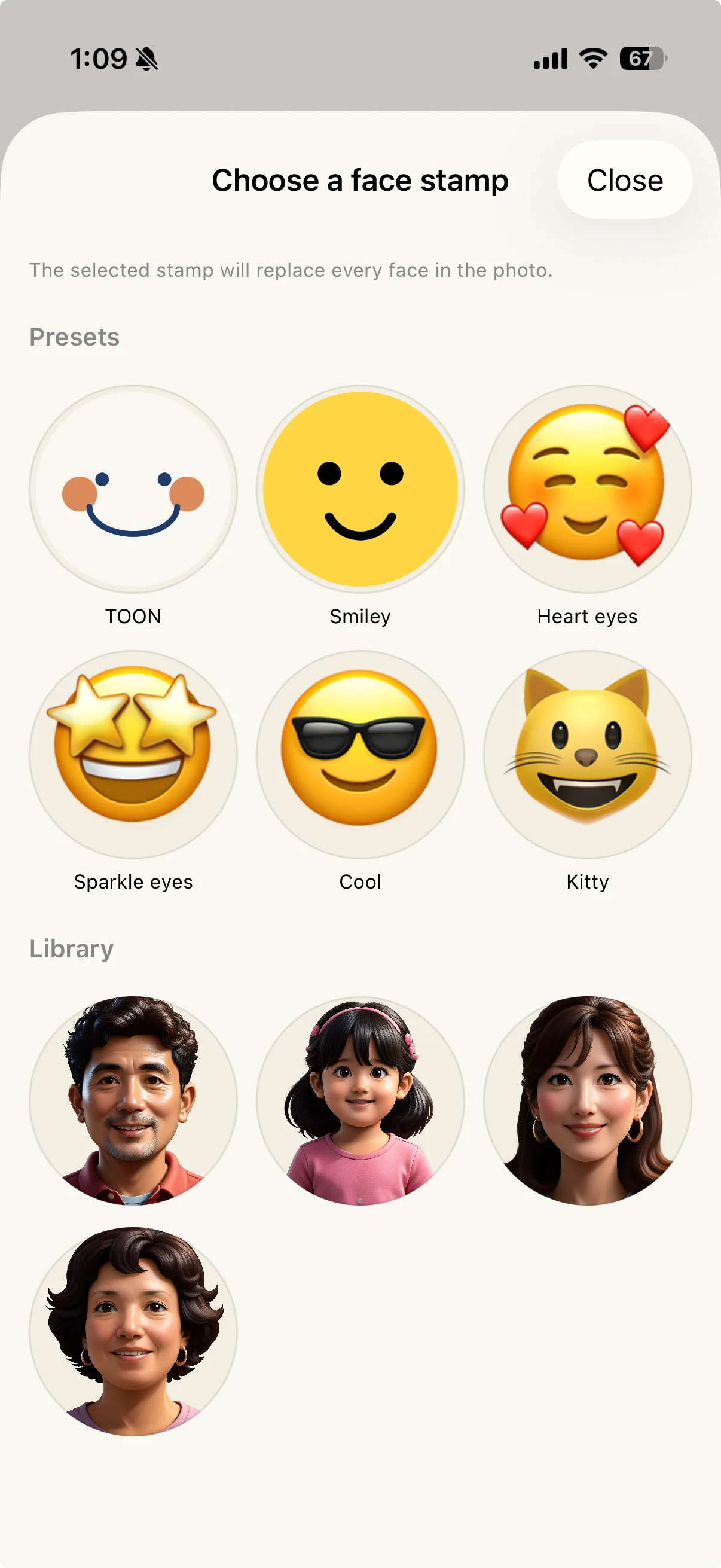
Library · Face stamps
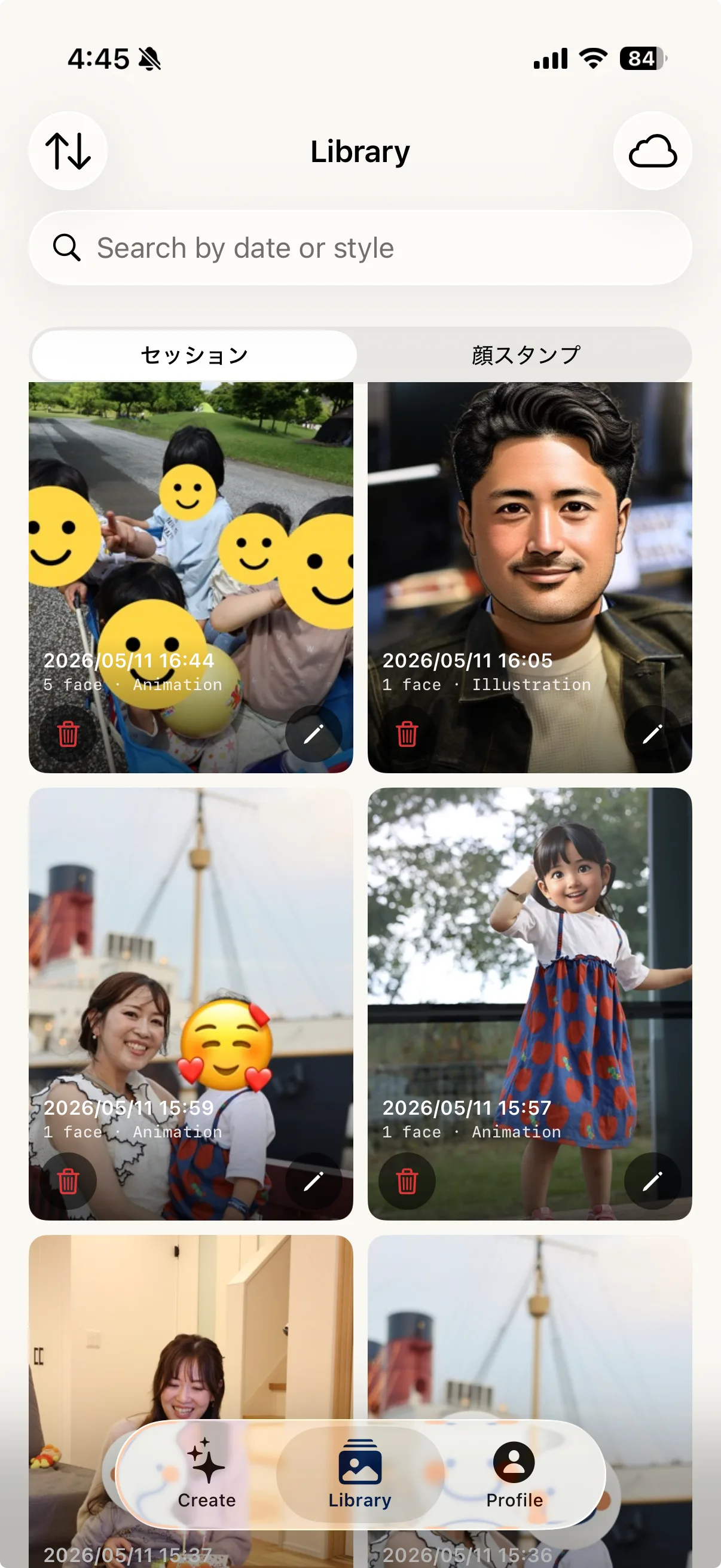
AI-generated faces are automatically saved to your library. Build up a roster of family faces and reuse them in your next photo.
Editor
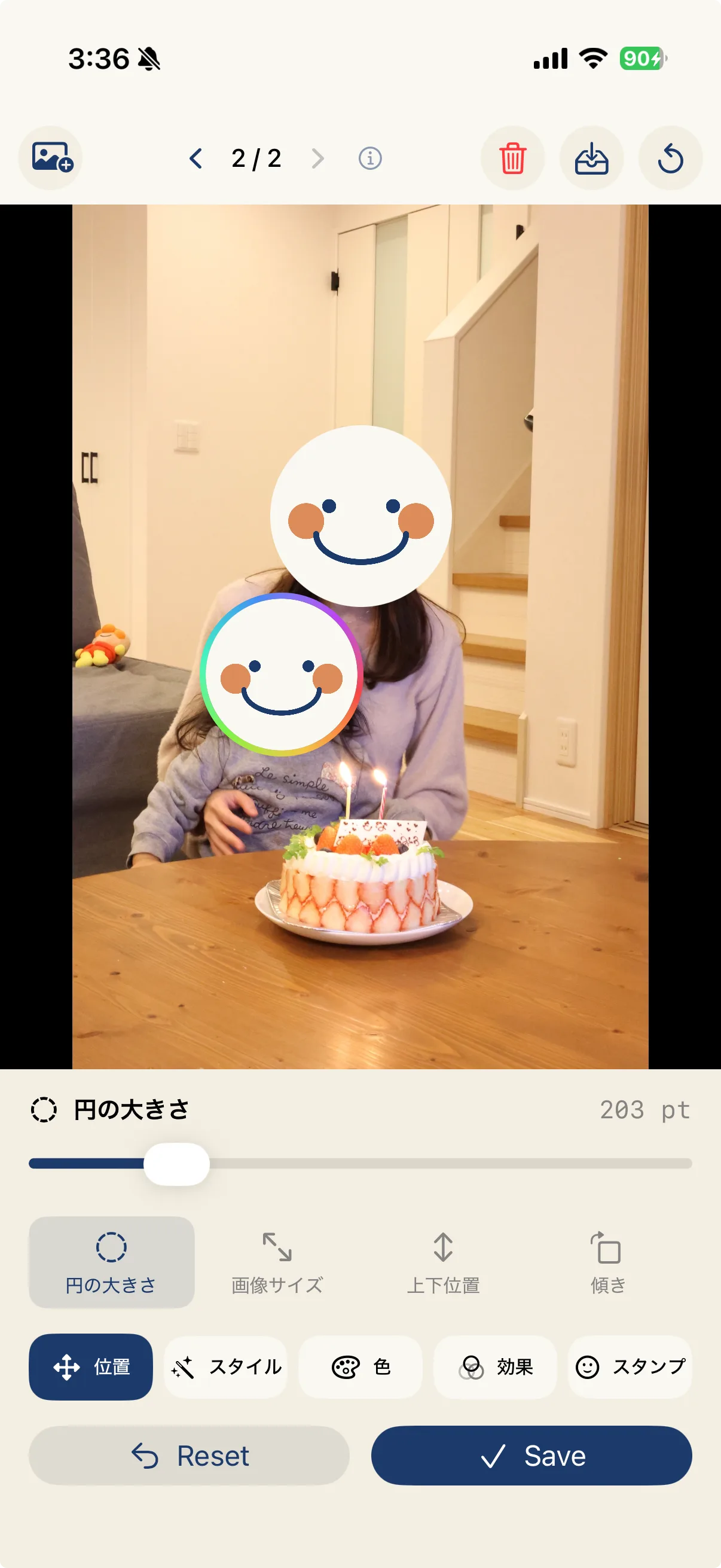
After AI illustration, refine each face along five axes. Process 10 photos in a batch and pick a different look for every single one.
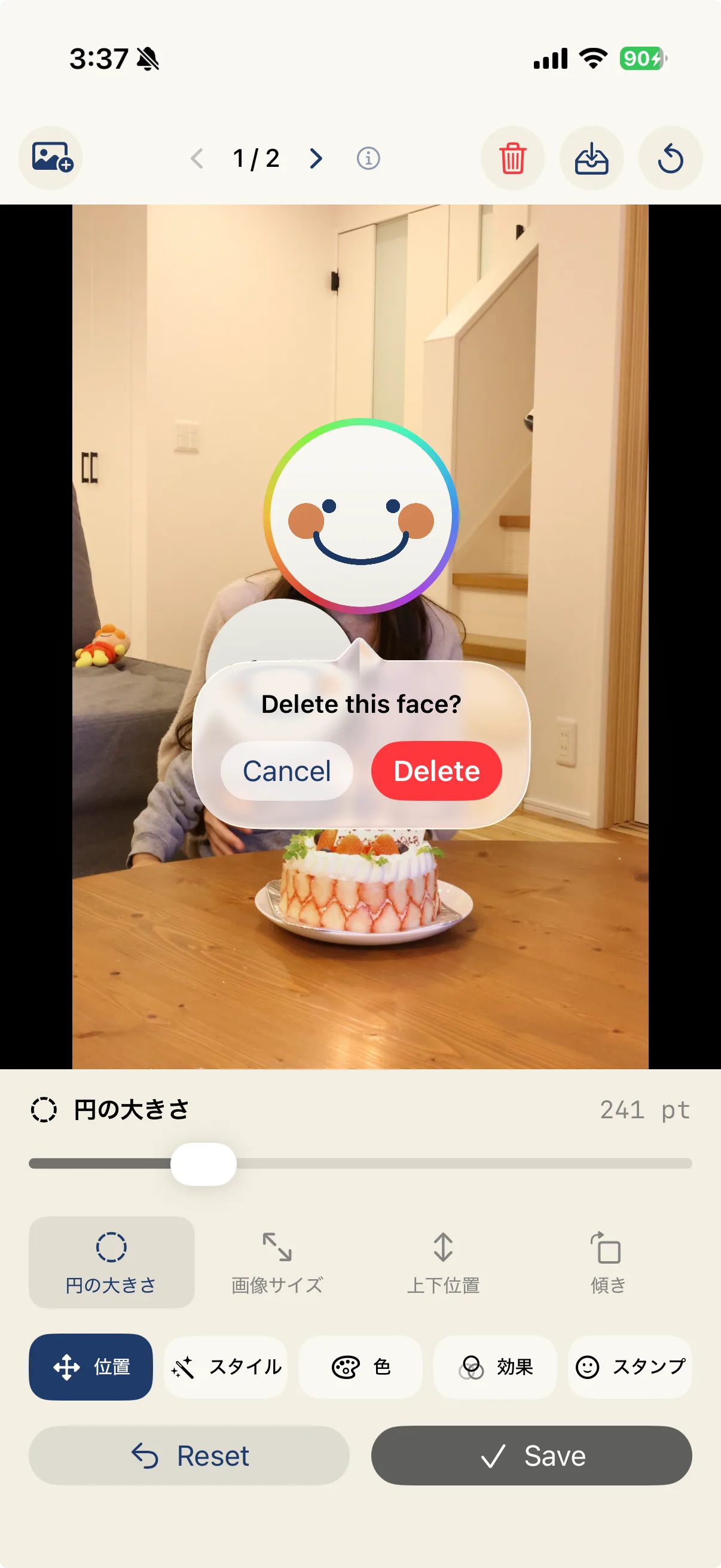
Five editing axes
Drag to fine-tune
Optimize the circle size
Switch styles (14 / 16 on iOS 27)
Skin, hair, and clothing color correction
Vignette and grain (Pro)
TOON-ify the whole family in one pass — and assign a different face stamp to each person if you like.
Library + iCloud
Projects are auto-saved to the library. With iCloud sync (Pro), pick up where you left off on iPhone or iPad.
Export
Standard JPEG, transparent PNG, and high-efficiency HEIC supported. Share to social media directly from the share sheet.
Privacy
Face detection runs on-device with Apple's Vision Framework. Illustration runs on-device with Apple Intelligence on iOS 26, and on Apple's Image Playground (Apple's Private Cloud Compute) on iOS 27. Nothing is sent to our servers or any third party.
Technical
spec.txtStart light.
¥250 / month — save 50% vs monthly.
Pay once. Use forever. Future features included as an early release perk.
Billing is via the App Store only. Pricing may change without notice.
Plan Comparison
STIL.TOON is free to start. Upgrade to Pro from the App Store — monthly, yearly, or one-time.
Unlimited face stamps. AI illustration included.
AI Generation
Styles
Face Stamps
Library
Effects & Export
All styles, no watermark, iCloud sync.
AI Generation
Styles
Face Stamps
Library
Effects & Export
STIL. Family
STIL.TOON belongs to the STIL. family. STIL. picks the best frame from any video; STIL.TOON turns faces in photos into illustrations. Two privacy-first photo tools, built on the same principles.
Neither app ever uploads your photos or videos to our servers. Your data never leaves Apple's infrastructure.
Now on the App Store. Available for iPhone and iPad on iOS 26 or later.