Press kit
STIL. is a family of Apple-native apps for iPhone. Processing happens on your device by default. There are no accounts and no logins.
For coverage or listing inquiries, please reach us through the contact page.
Using these assets
- You may use the icons and screenshots freely to introduce STIL. apps.
- Please do not alter them, such as by changing colors or cropping.
- For prices, please see each app's App Store page.

On the App Store
STIL.
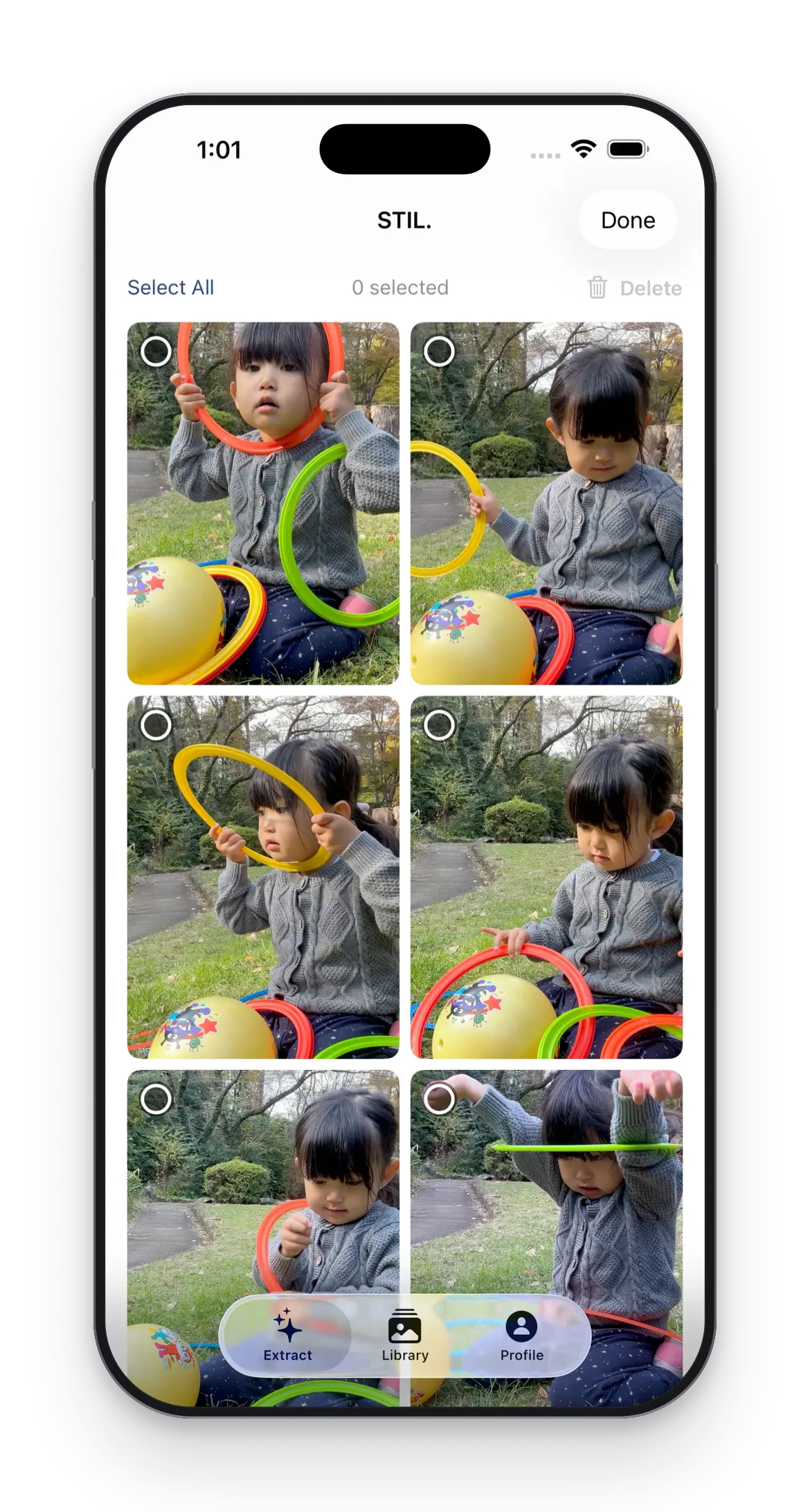
Best Frames from Your Videos
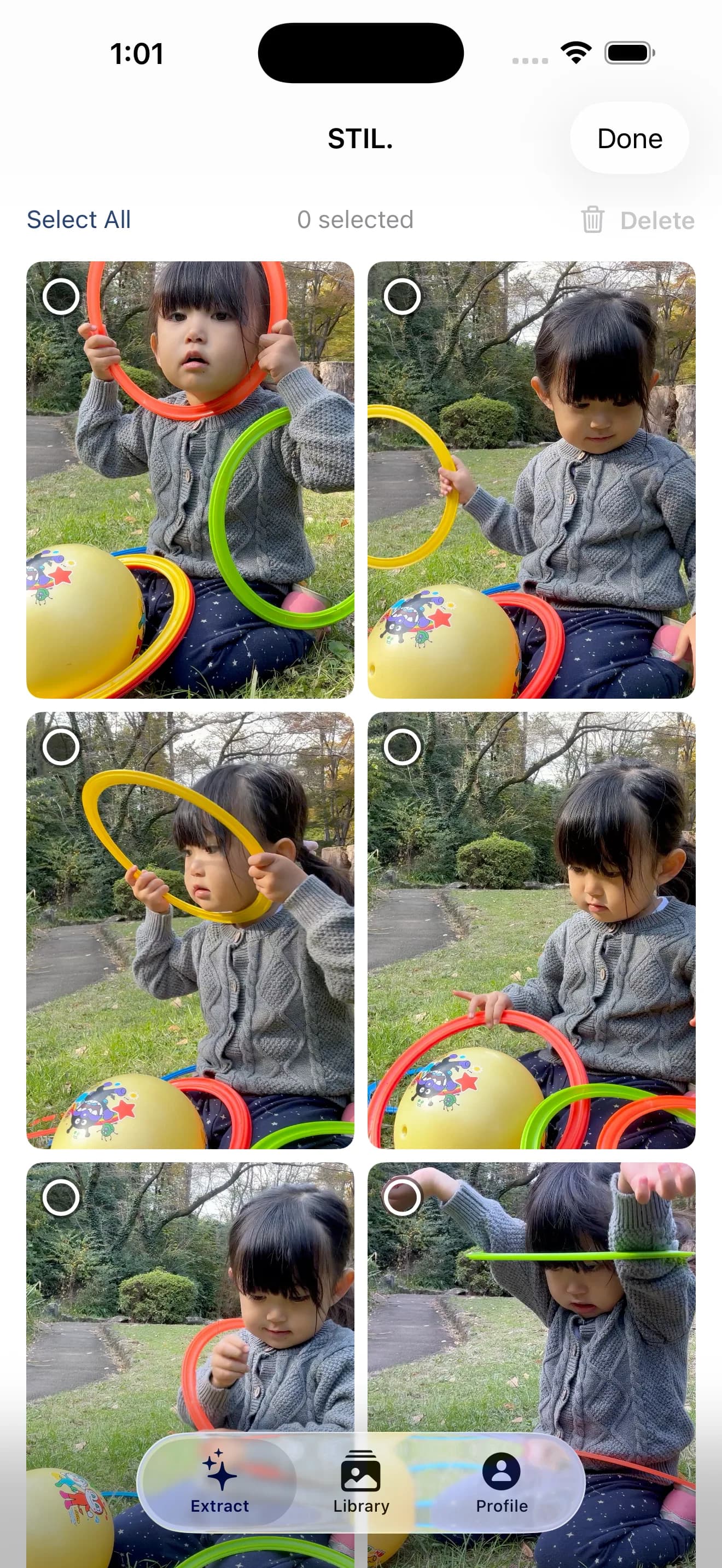
Pick the frame that stands on its own as a photo, chosen with Apple's Vision Framework and our own scoring.
Key features
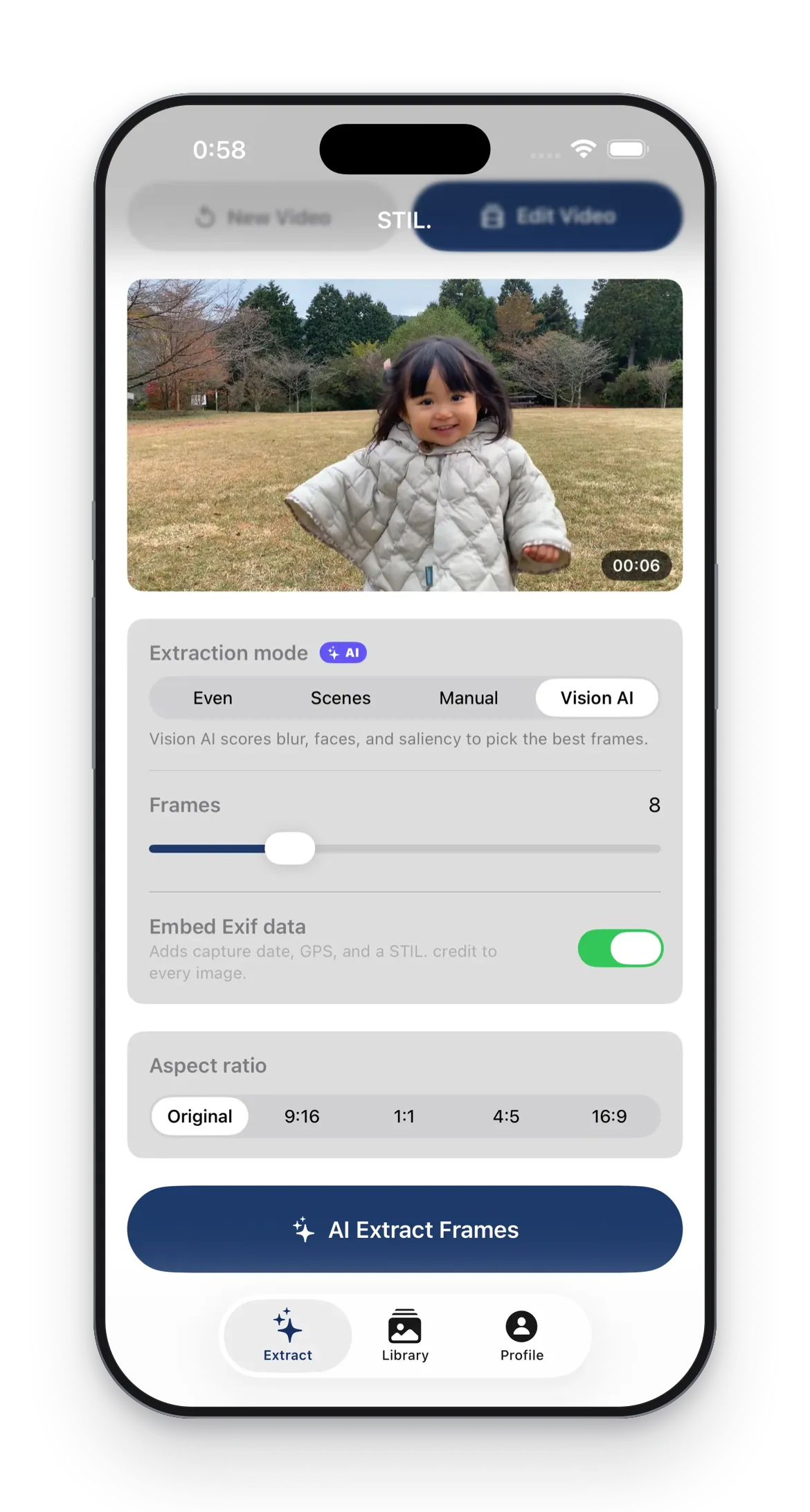
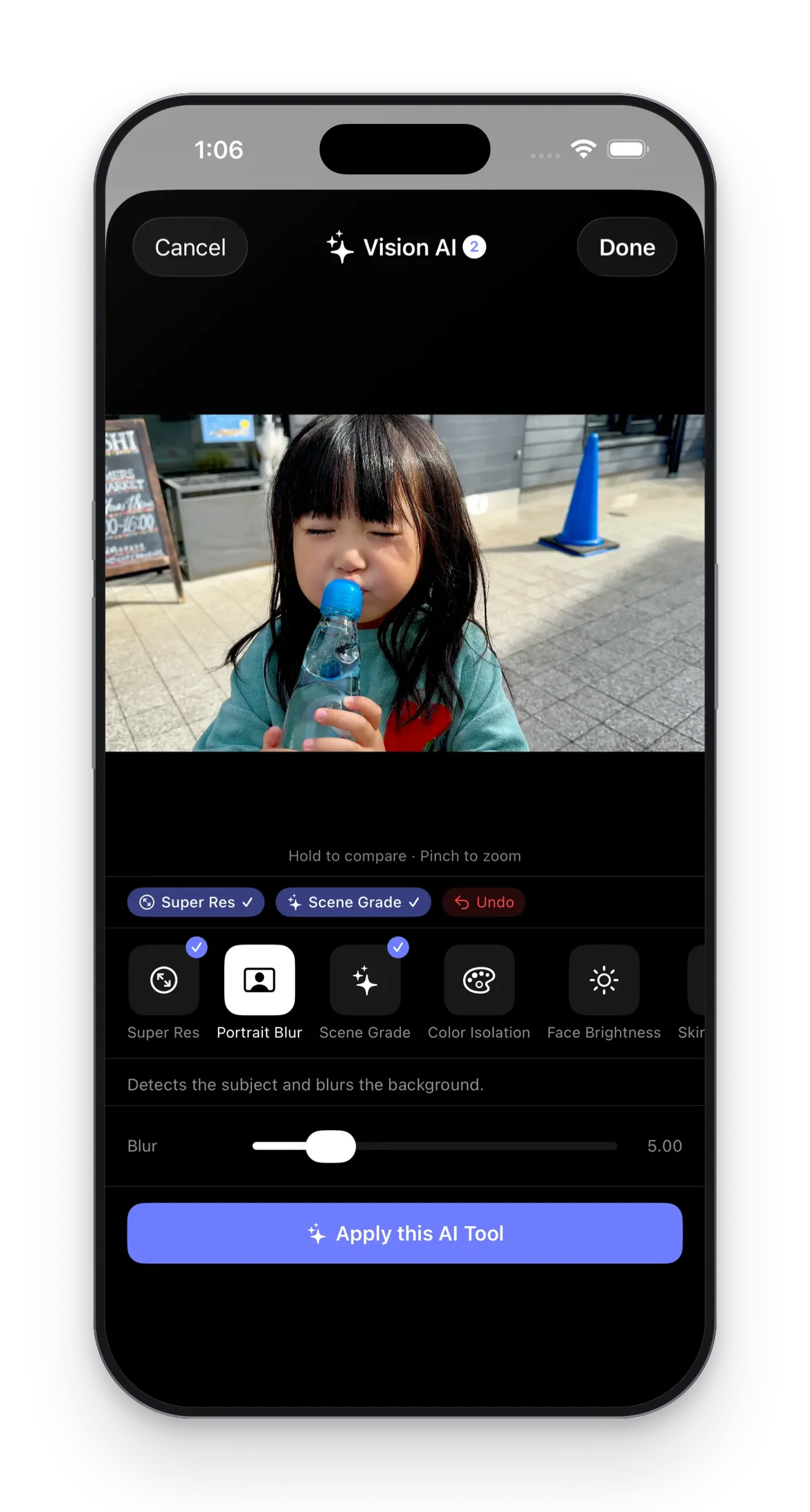
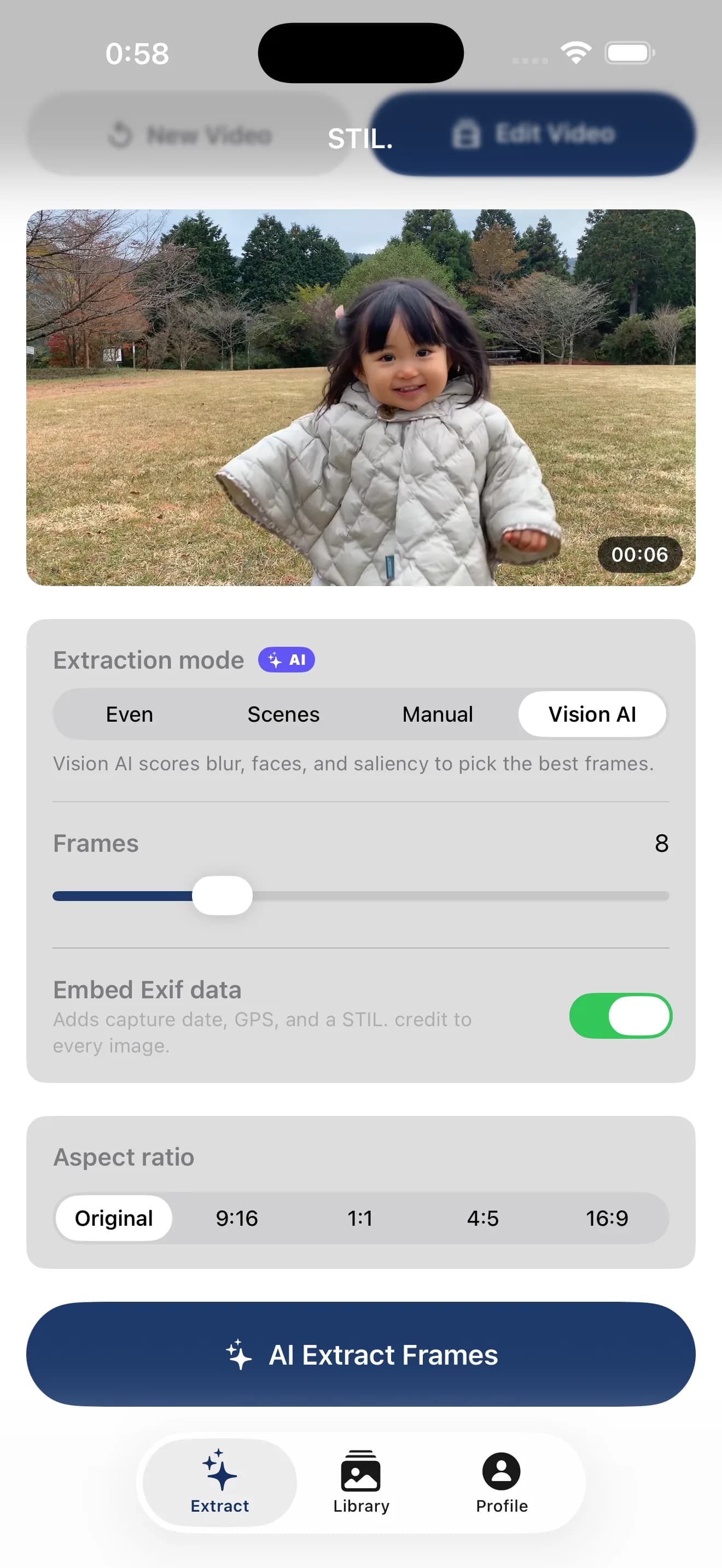
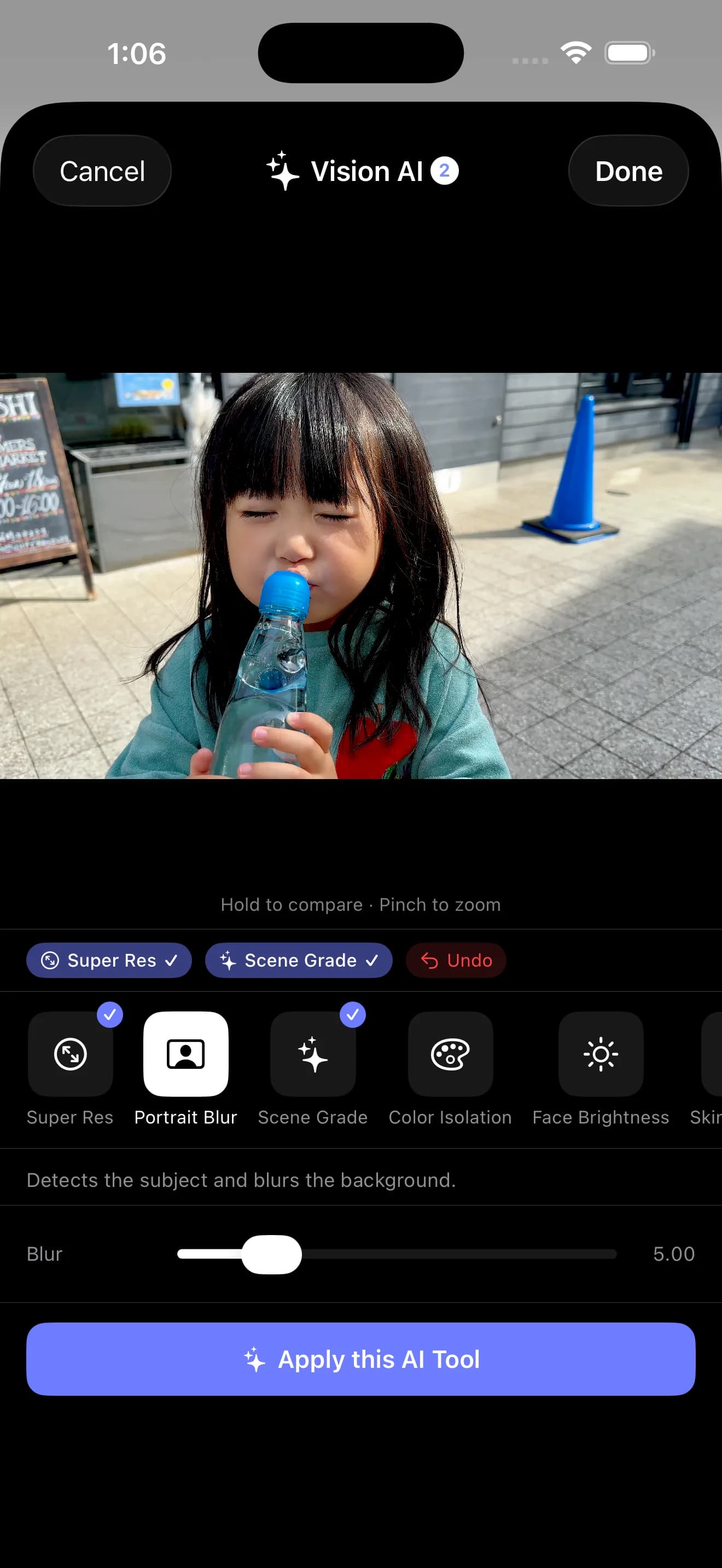
Vision AI extraction
Detects blur, faces, and saliency to pick the best frames automatically.
Smart Trim
Scores frames at 1fps (sharpness + face + brightness) and isolates the most watchable segment.
Auto Color Grade
Vision classifies the scene — sunset, night, outdoor, indoor — and applies a matching color preset to the entire clip.
AI Super Resolution
2× upscaling on the Apple Neural Engine. Edges and detail preserved.
- Requirements
- iPhone with iOS 26.4 or later
- Pricing
- Free to download, with in-app purchases
Screenshots

On the App Store
STIL.TOON
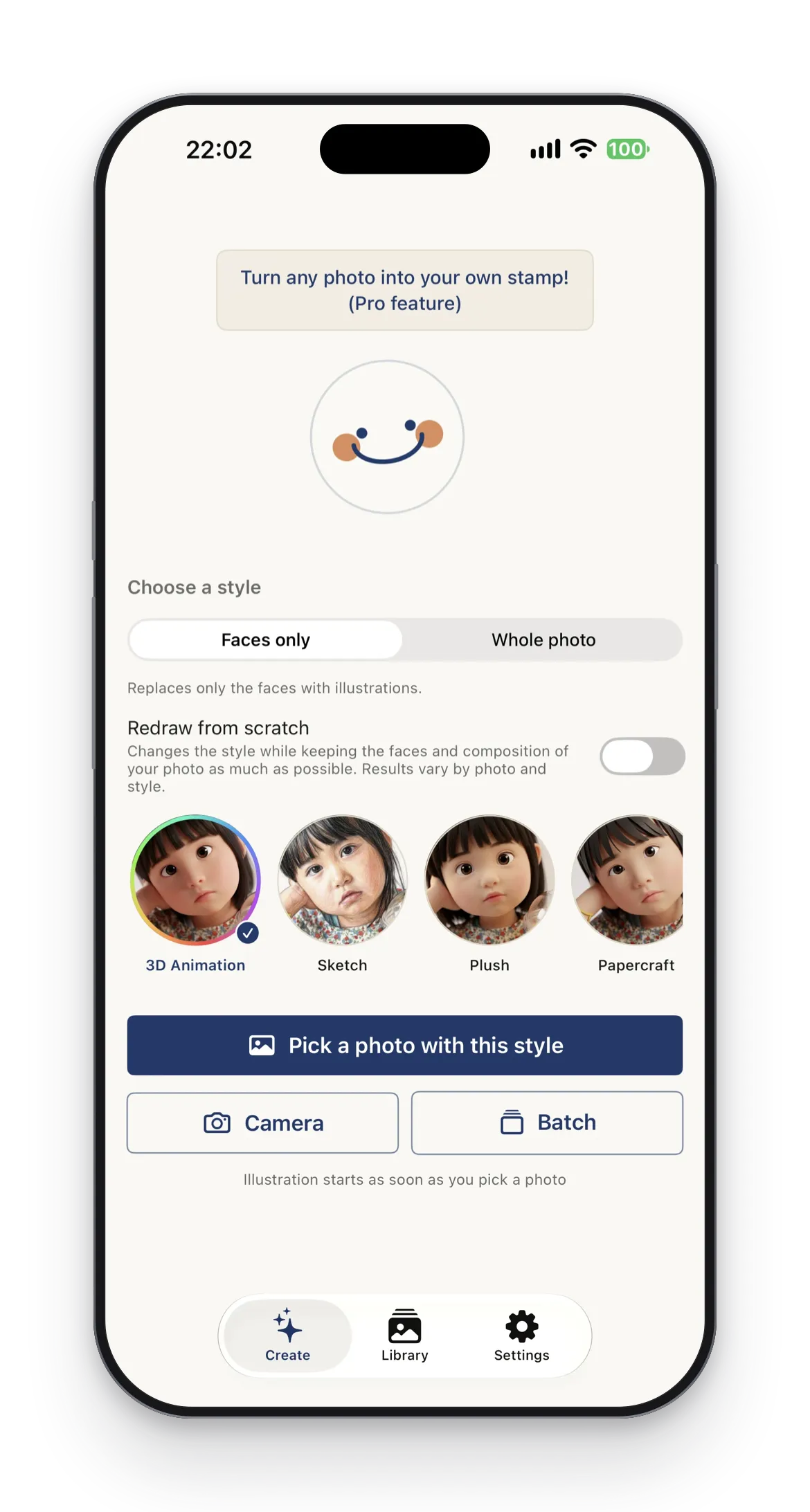
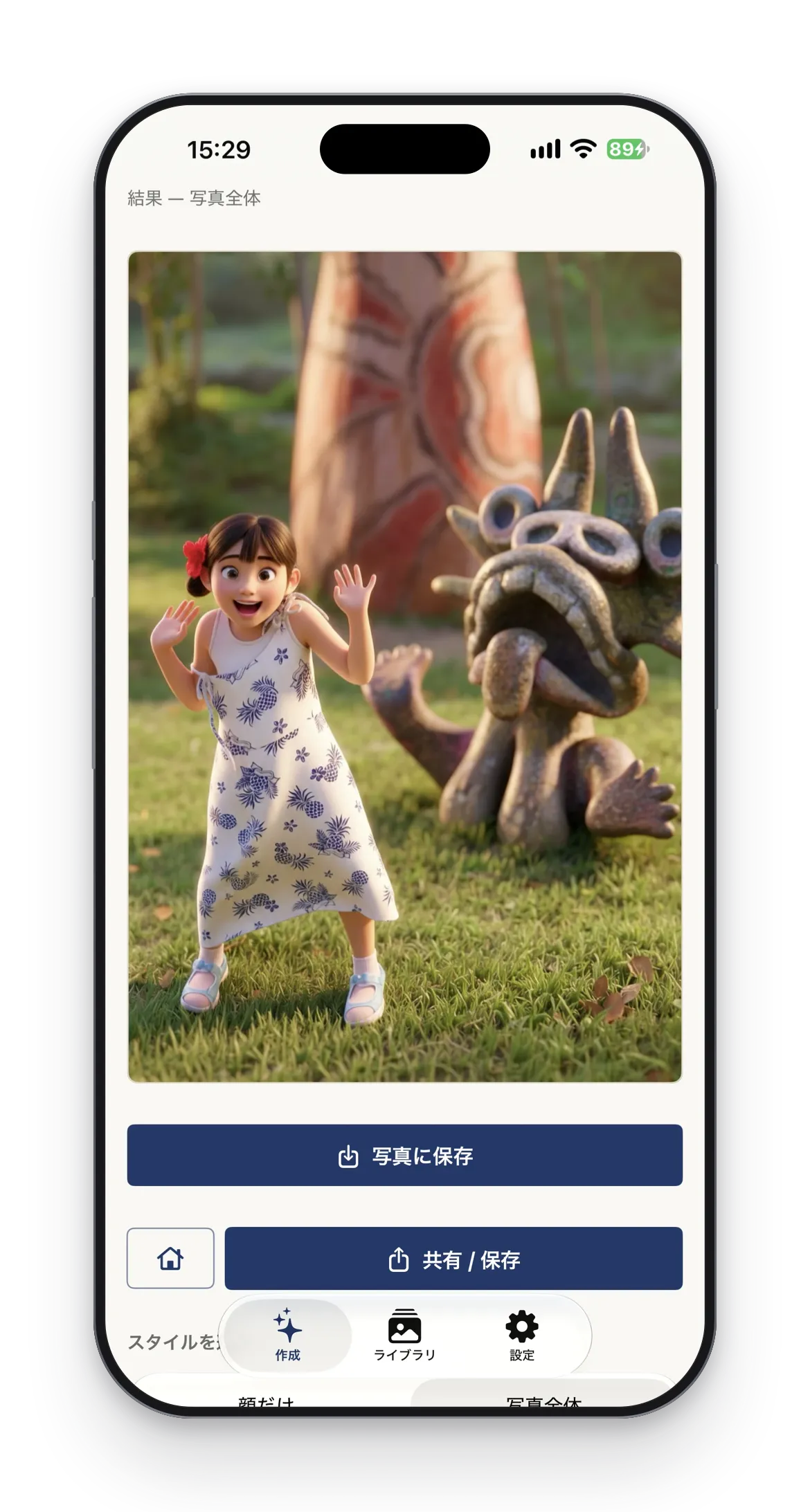
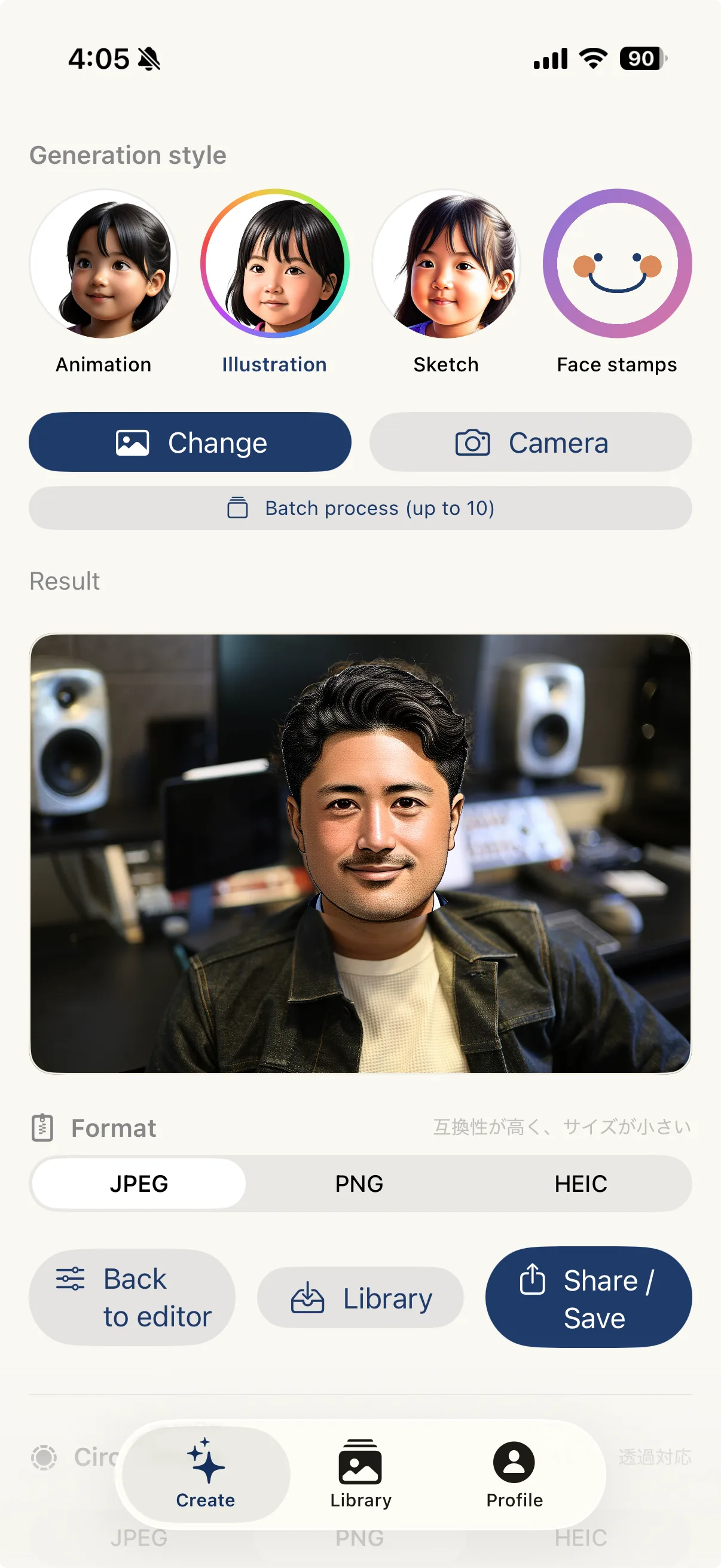
Turn the faces in your photos into illustrations with Apple Intelligence. Share family photos, freely and adorably.
Key features
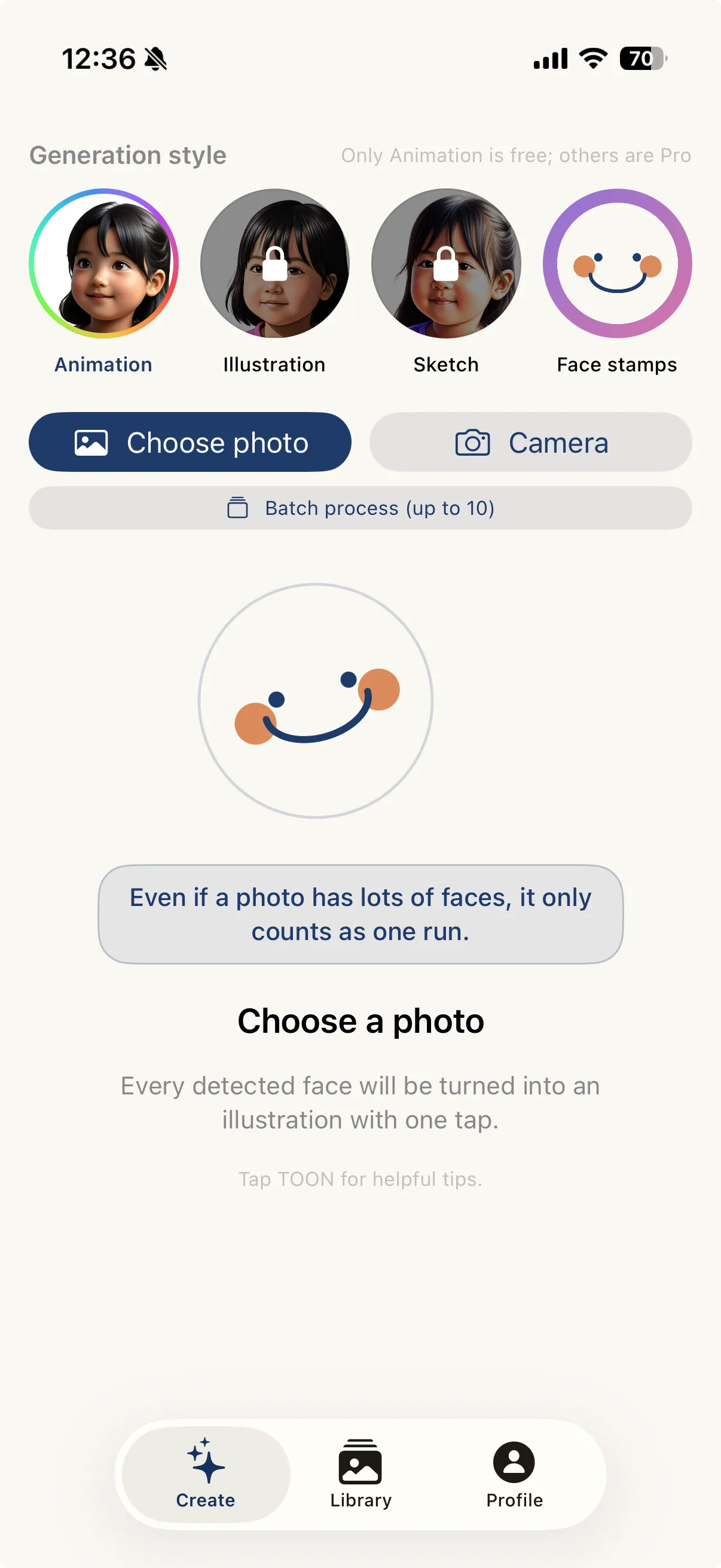
Cute AI illustration
On iOS 27, 14 styles for faces and 16 for the whole photo. Photos never leave Apple's infrastructure.
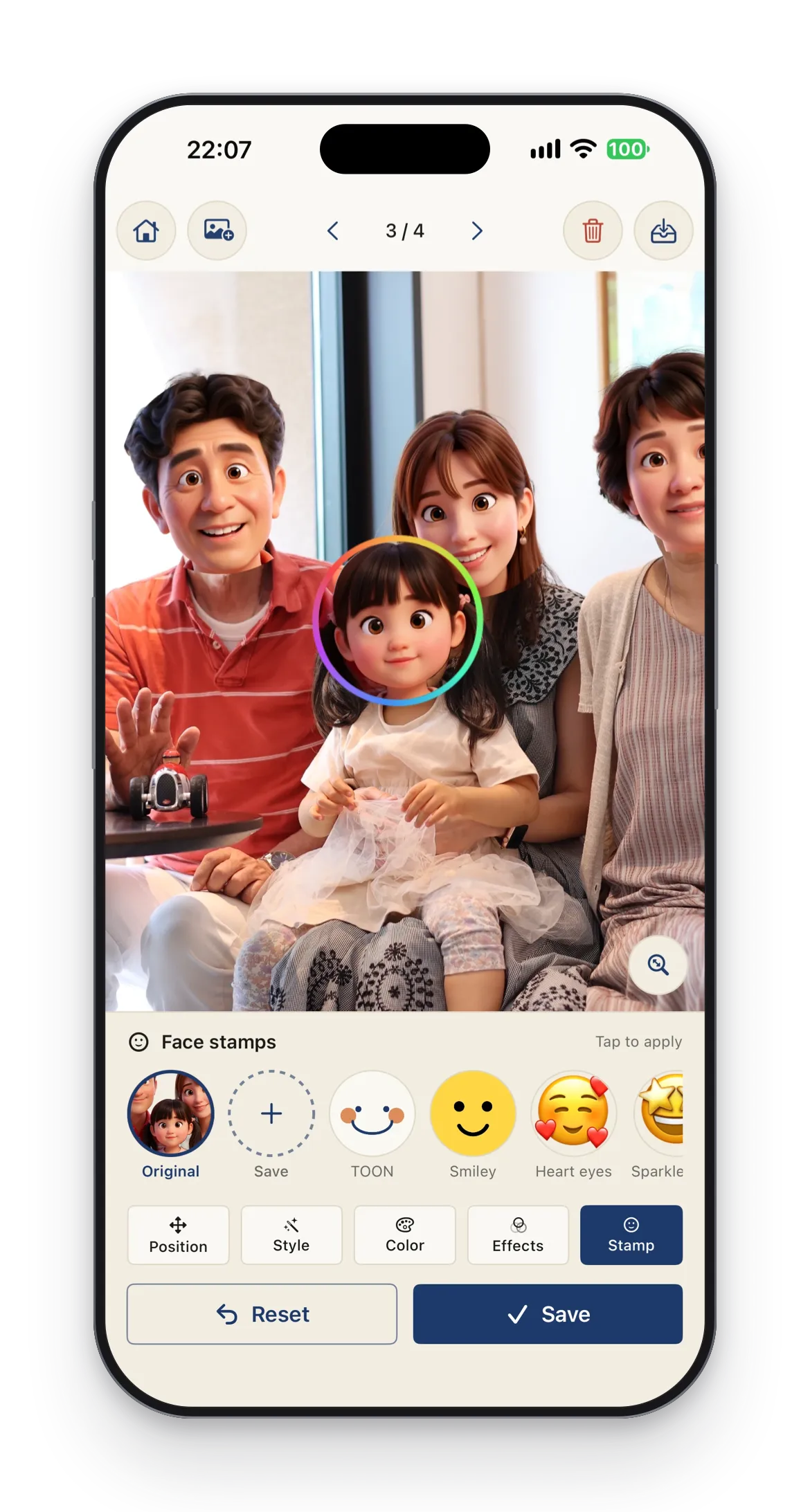
Face stamps, in bulk
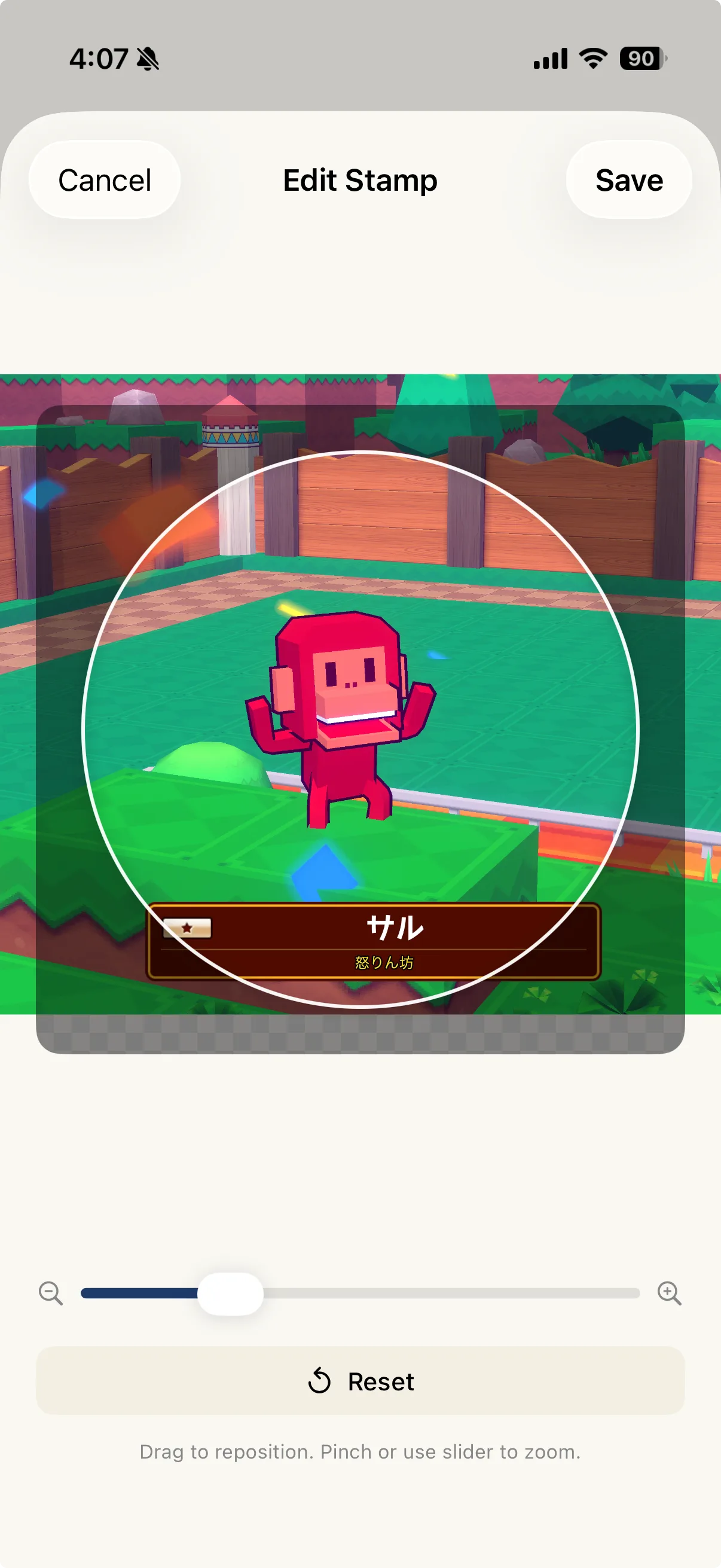
Mask everyone's face in one tap with TOON-chan or emoji.
Batch up to 10
TOON-ify an entire family album. Tune each one later if you like.
Fine-tune each face
Position, size, color correction, and tilt — all adjustable.
- Requirements
- iPhone with iOS 26.4 or later
- Pricing
- Free to download, with in-app purchases
Screenshots

On the App Store
STIL.BIZ
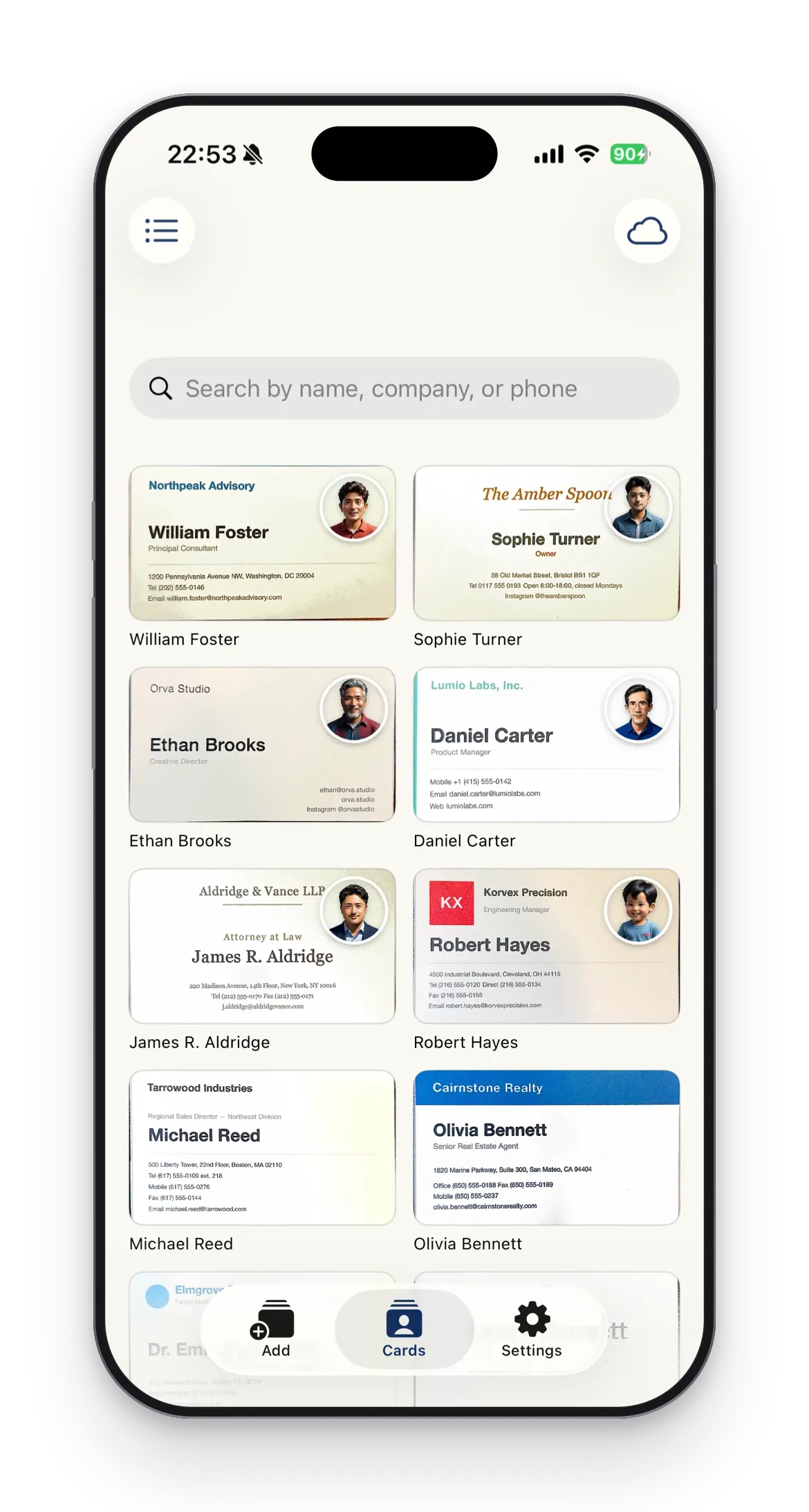
On device BusinessCard Manager
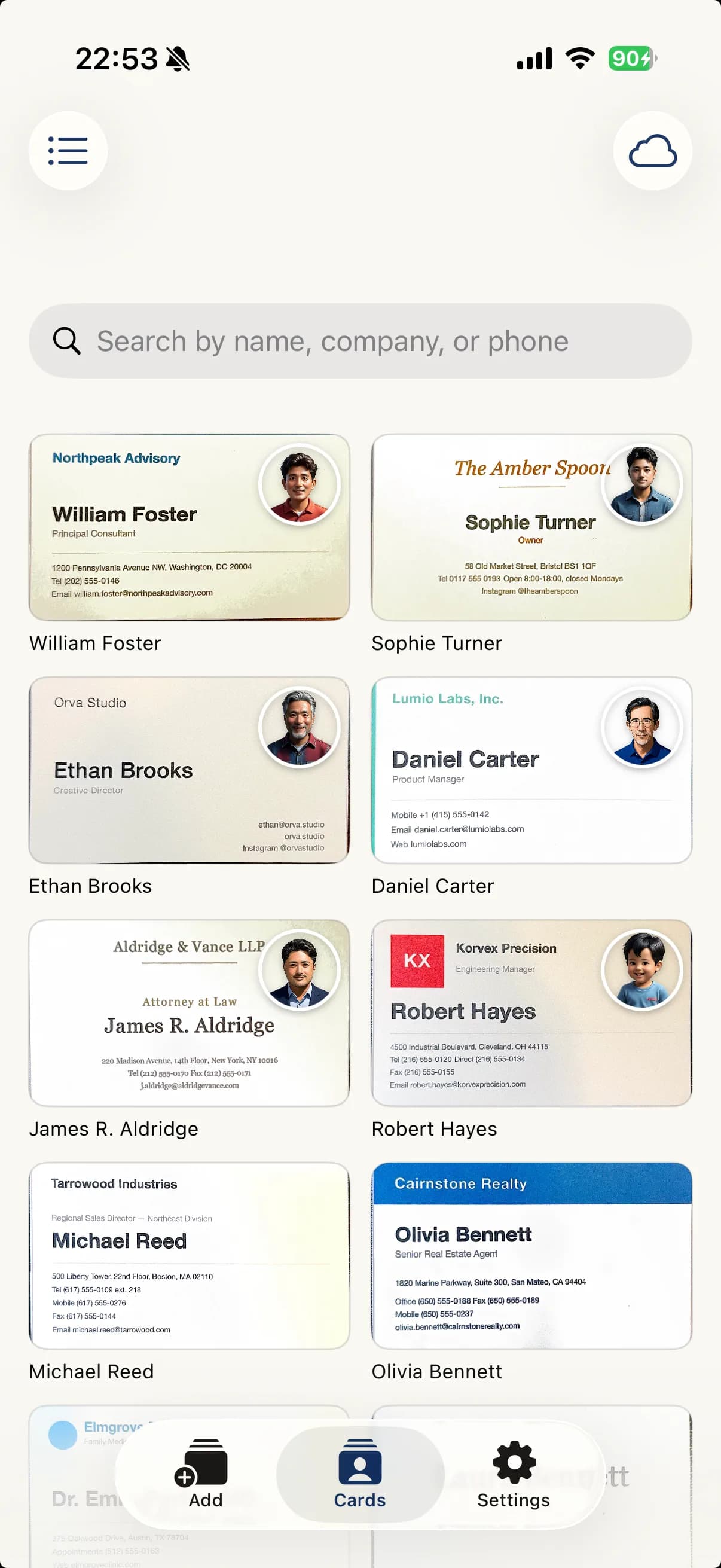
Scan and organize in one shot. Apple Intelligence sorts names, companies and contacts automatically.
Key features
Three ways to add
AI scan, photo, or manual entry. Three entry points for whichever fits the moment.
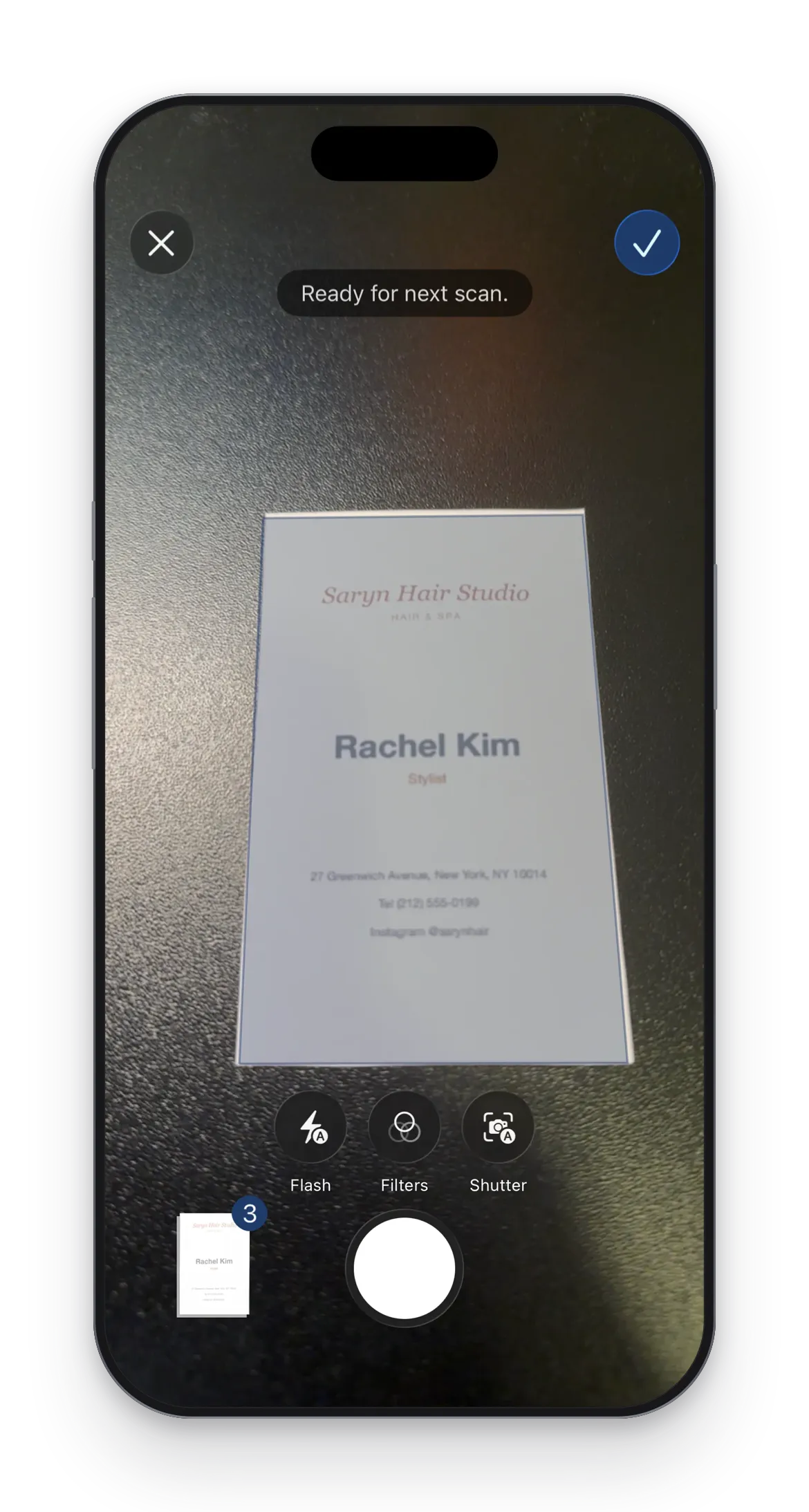
Continuous scanning
Capture multiple cards in a single session without re-opening the camera.
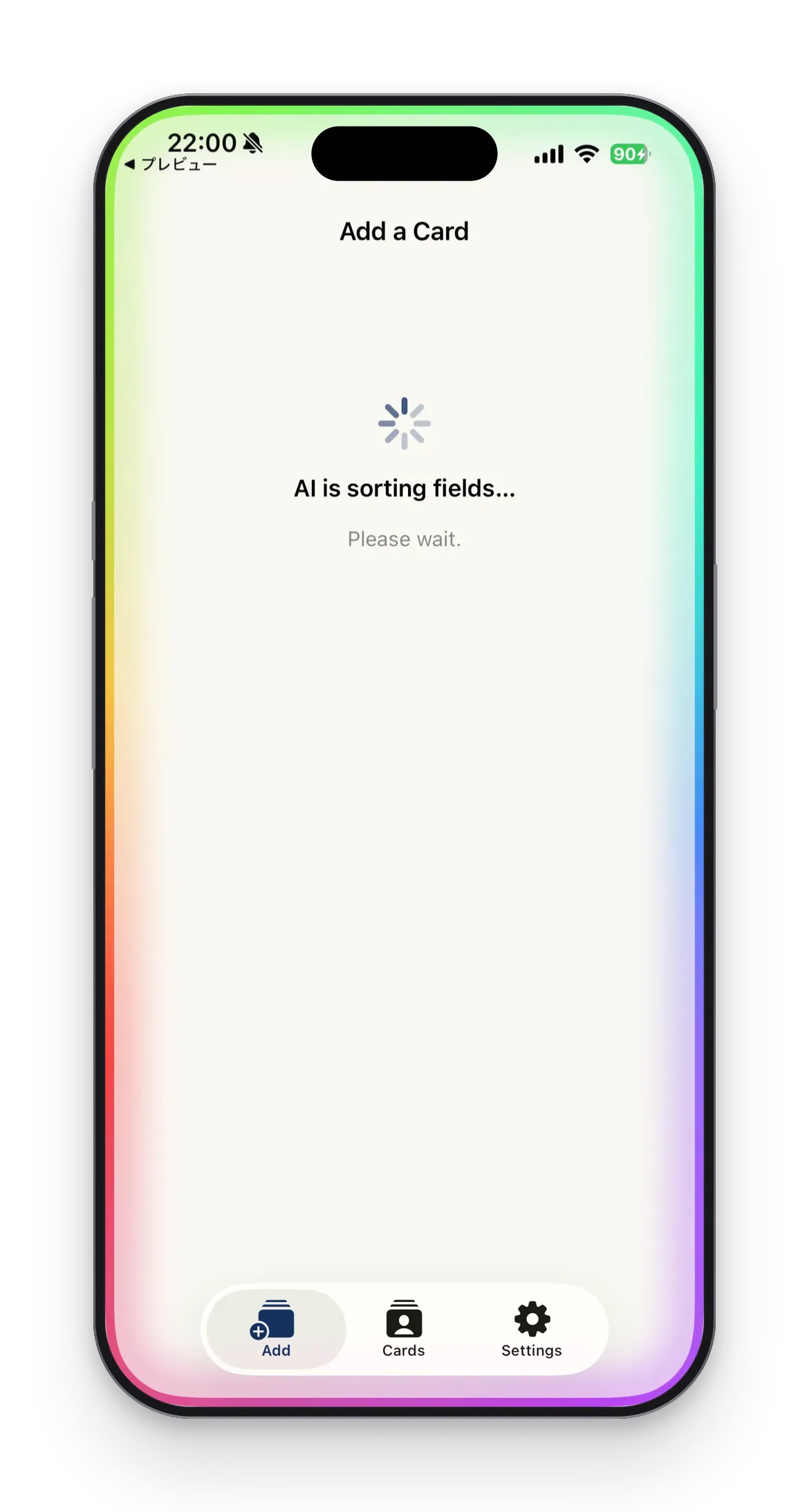
AI sorts the fields
Apple Intelligence sorts name, company, and contact details into the right fields.
Search by name or company
Find any saved card in an instant, in list or grid view.
- Requirements
- iPhone with iOS 26.4 or later
- Pricing
- Free to download, with in-app purchases
Screenshots



On the App Store
STIL.RECEIPT
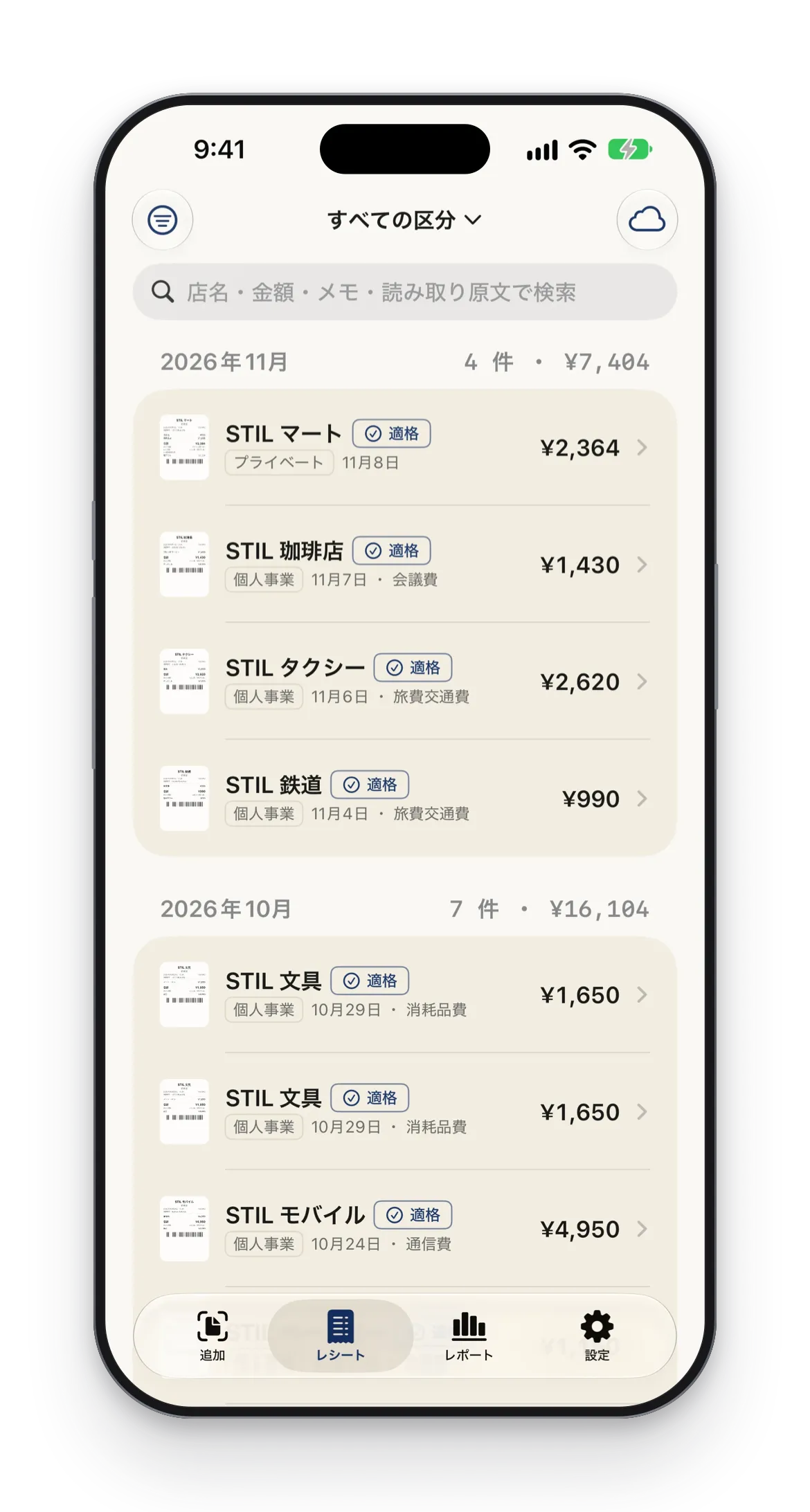
Receipts into expenses
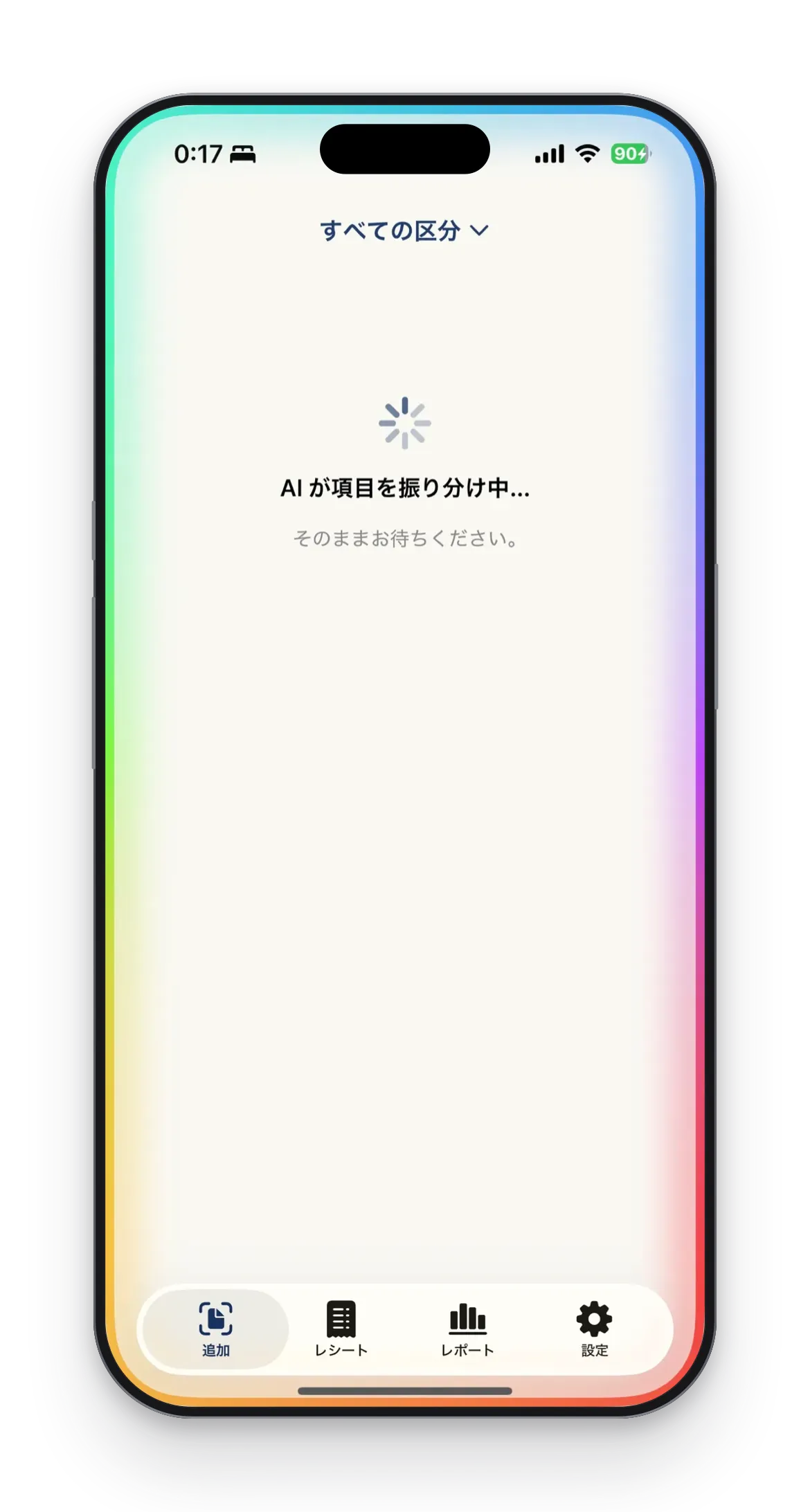
Snap and it becomes an expense. Apple Intelligence sorts the date, amount, tax breakdown and invoice number.
Key features
Invoice registration number
Reads and format-checks the invoice registration number (T + 13 digits).
8% / 10% tax breakdown
Detects the reduced rate, separates the tax breakdown, and captures discounts.
Keep books separate
Sort by Private, Sole Proprietor, Company, and more.
Long receipts in one
Merge a multi-page receipt into a single record. A multi-page PDF can be read as one document.
- Requirements
- iPhone with iOS 26.4 or later
- Pricing
- Free to download, with in-app purchases
Screenshots



On the App Store
STIL.INVOICE
Track invoices you need to pay
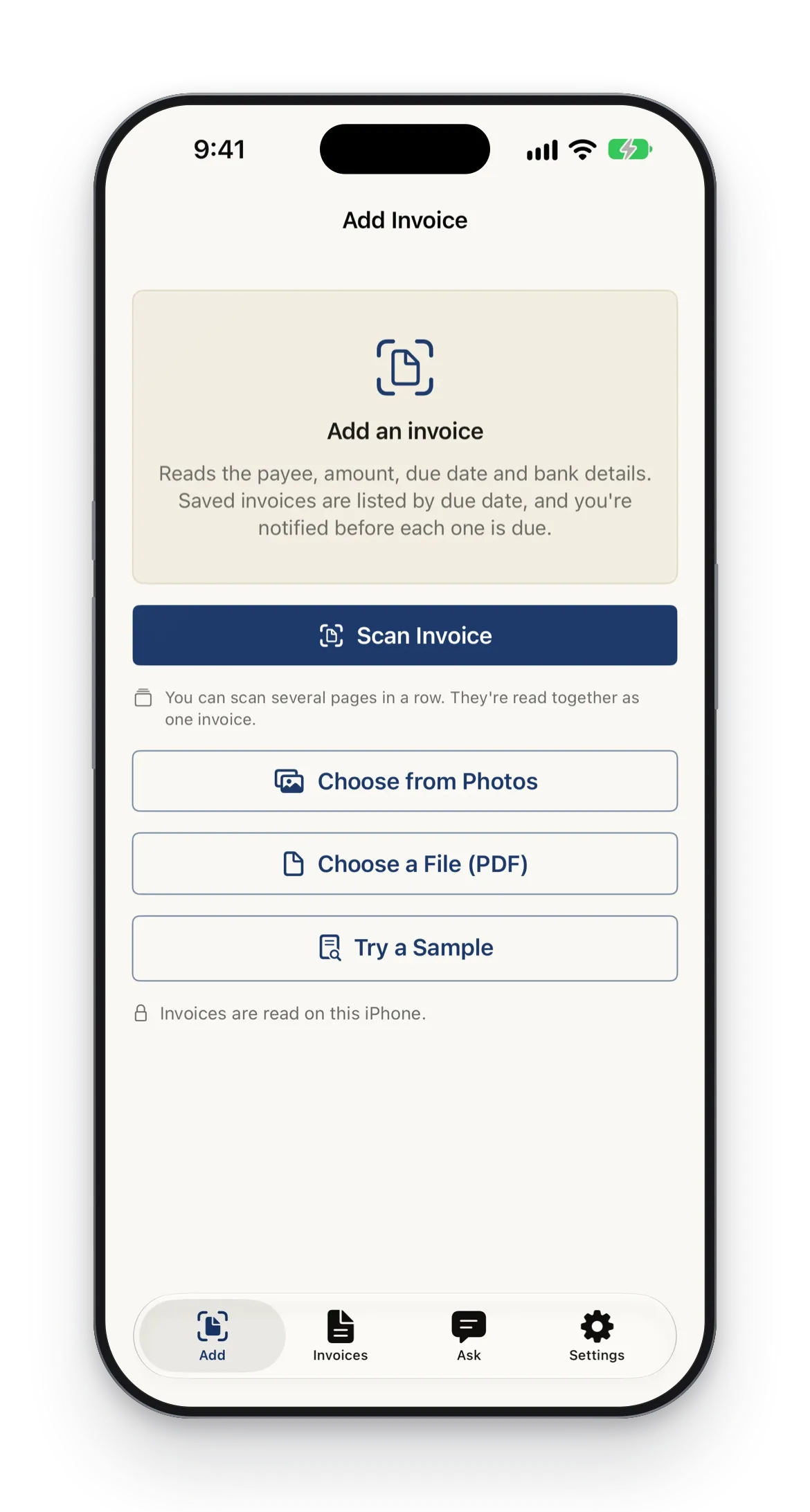
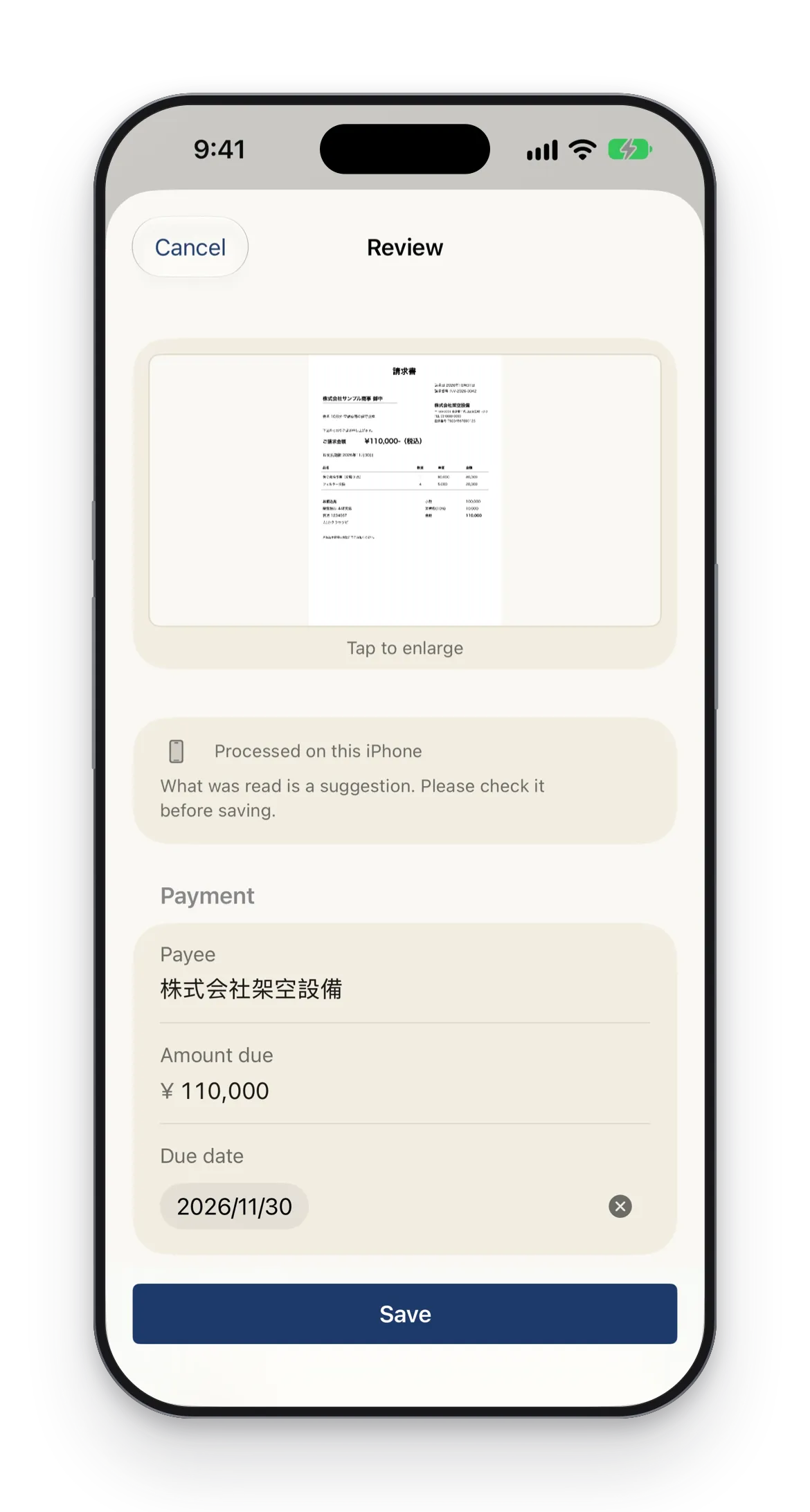
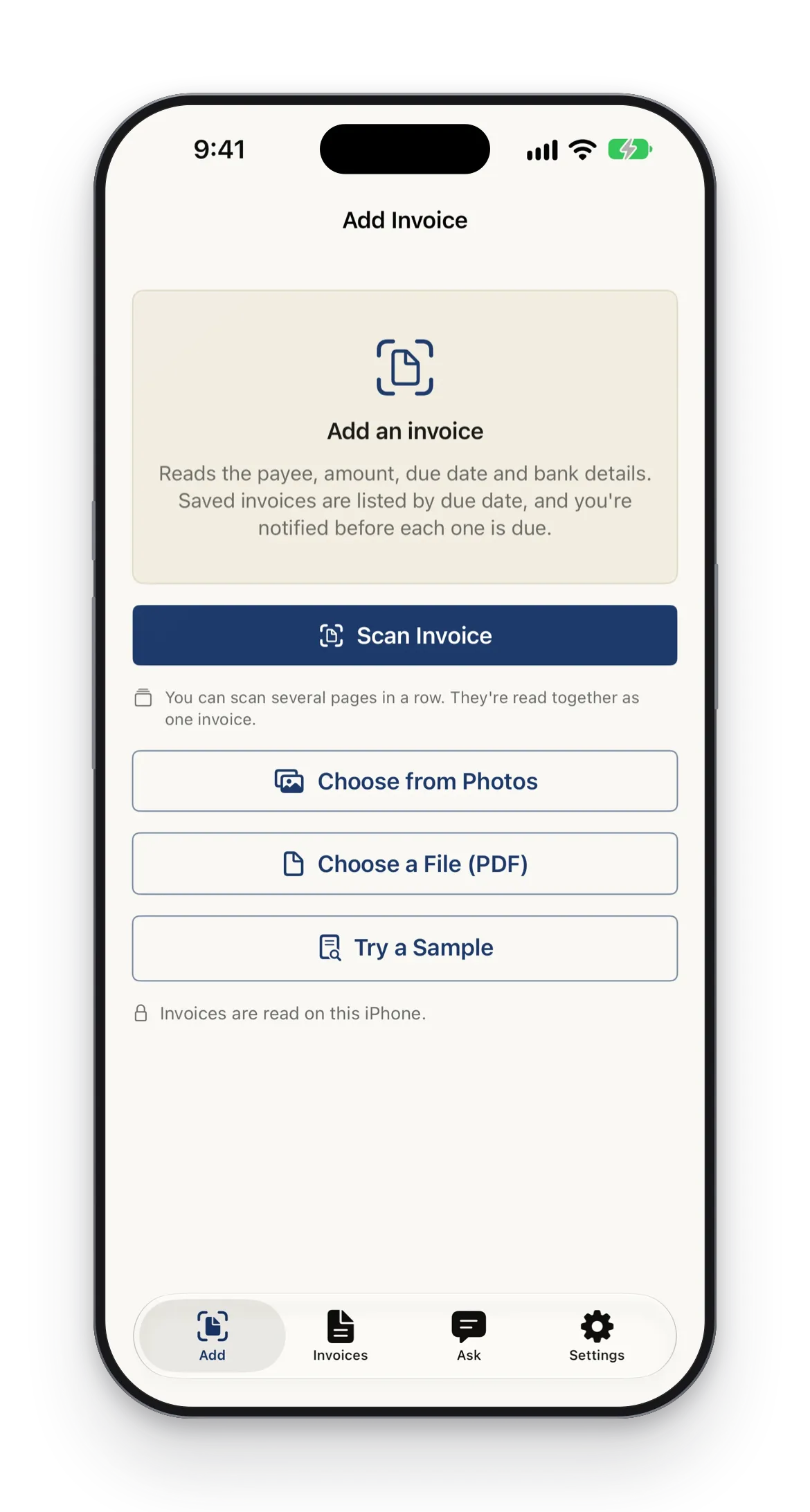
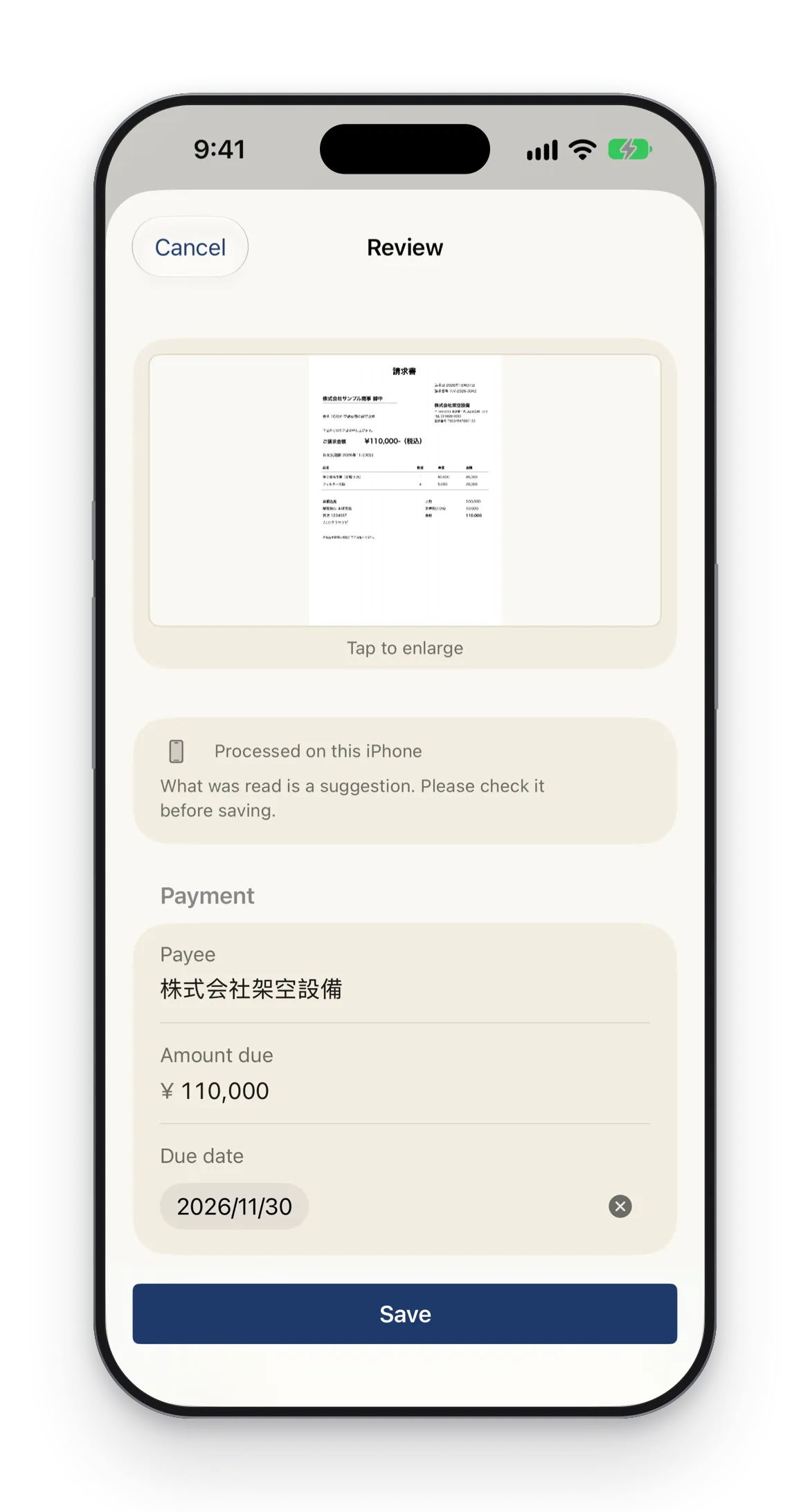
Scan or import an invoice you received to read the payee, amount, due date, and bank details. You are reminded before the due date.
Key features
Spot duplicate invoices
When you look likely to pay the same invoice twice, you get a notice. If an invoice with the same number already exists, you are told before saving.
Reminders before the due date
Get a notification before the due date and on the day. Choose how many days ahead, the time, and whether to show the payee and amount.
See this month's total
Invoices are grouped into overdue, this week, this month, later, and paid, with the total due this month.
Record payments
Record the payment date and method. Reminders for invoices marked as paid are canceled.
- Requirements
- iPhone with iOS 26 or later
- Pricing
- Free to download, with in-app purchases
Screenshots


On the App Store
STIL.NOTE: Voice to Notes
From speech to summary
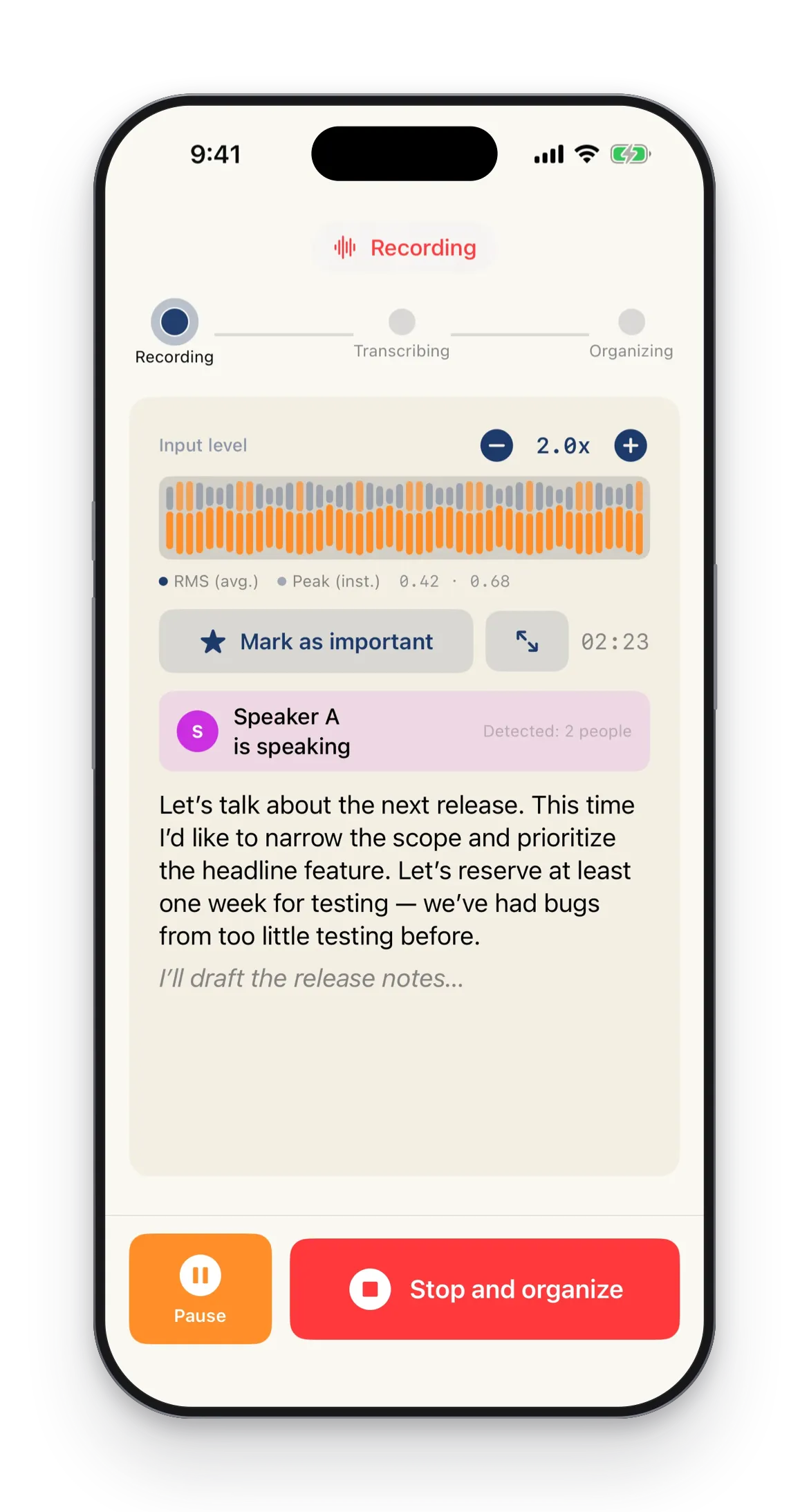
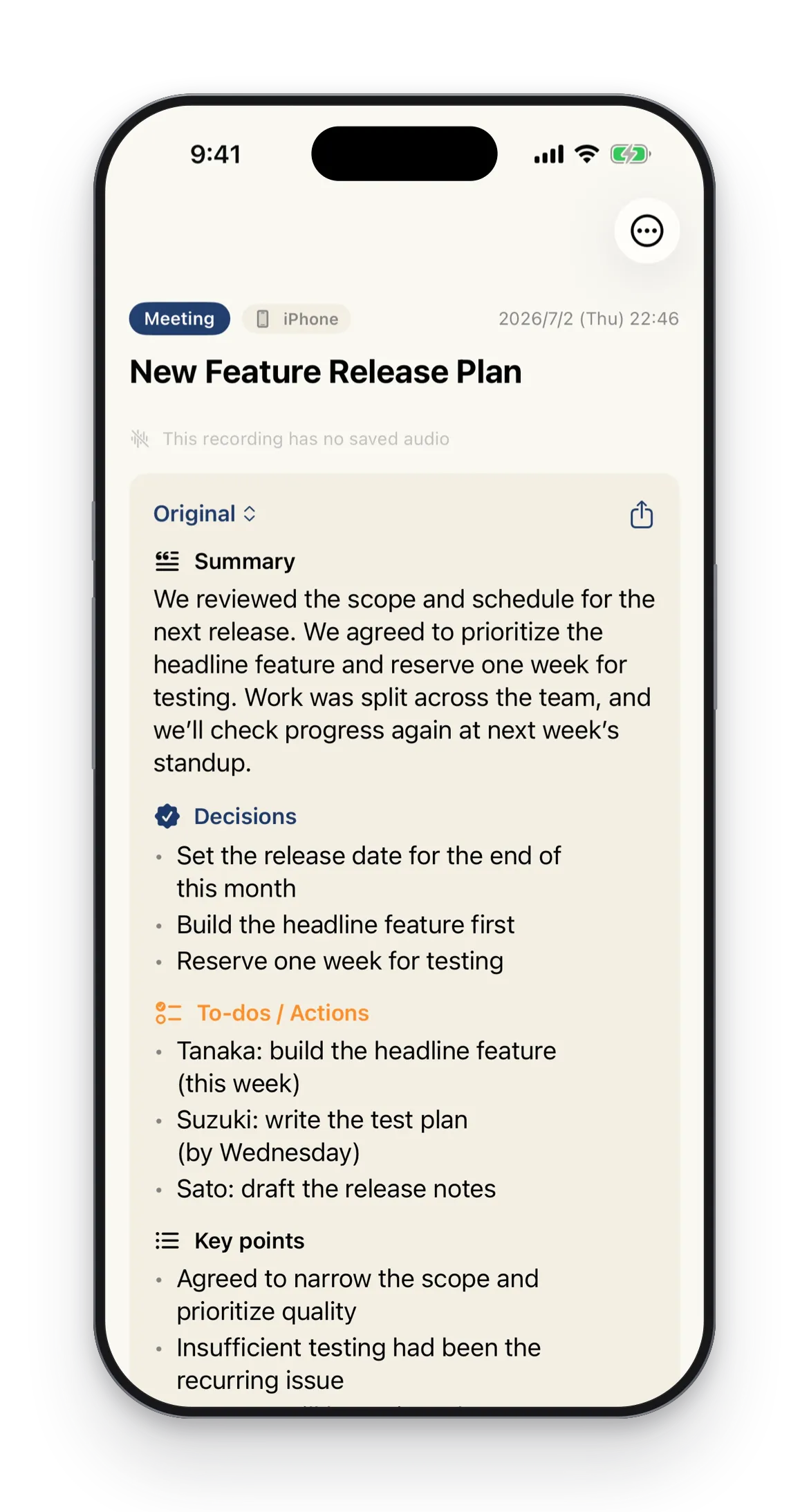
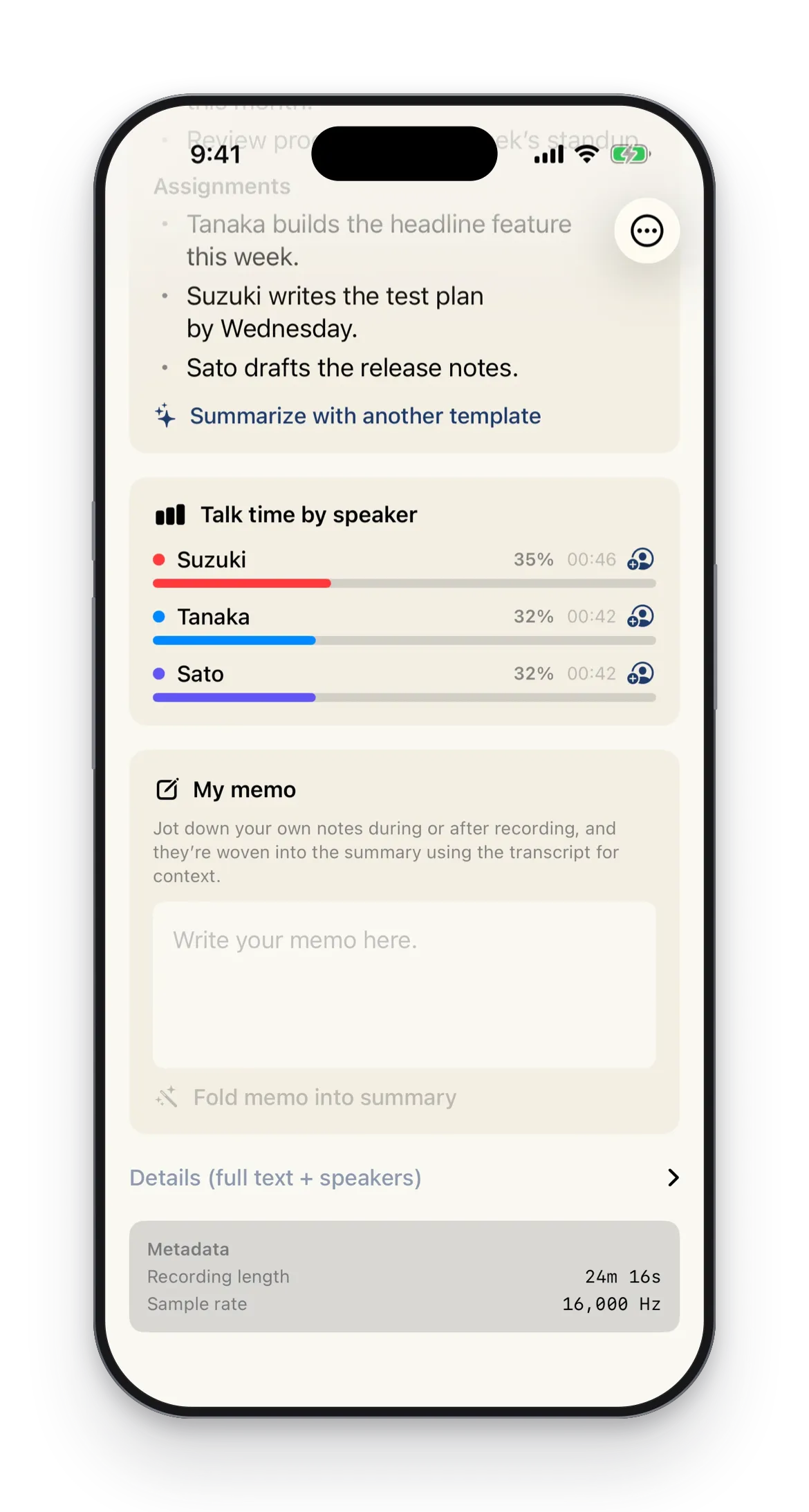
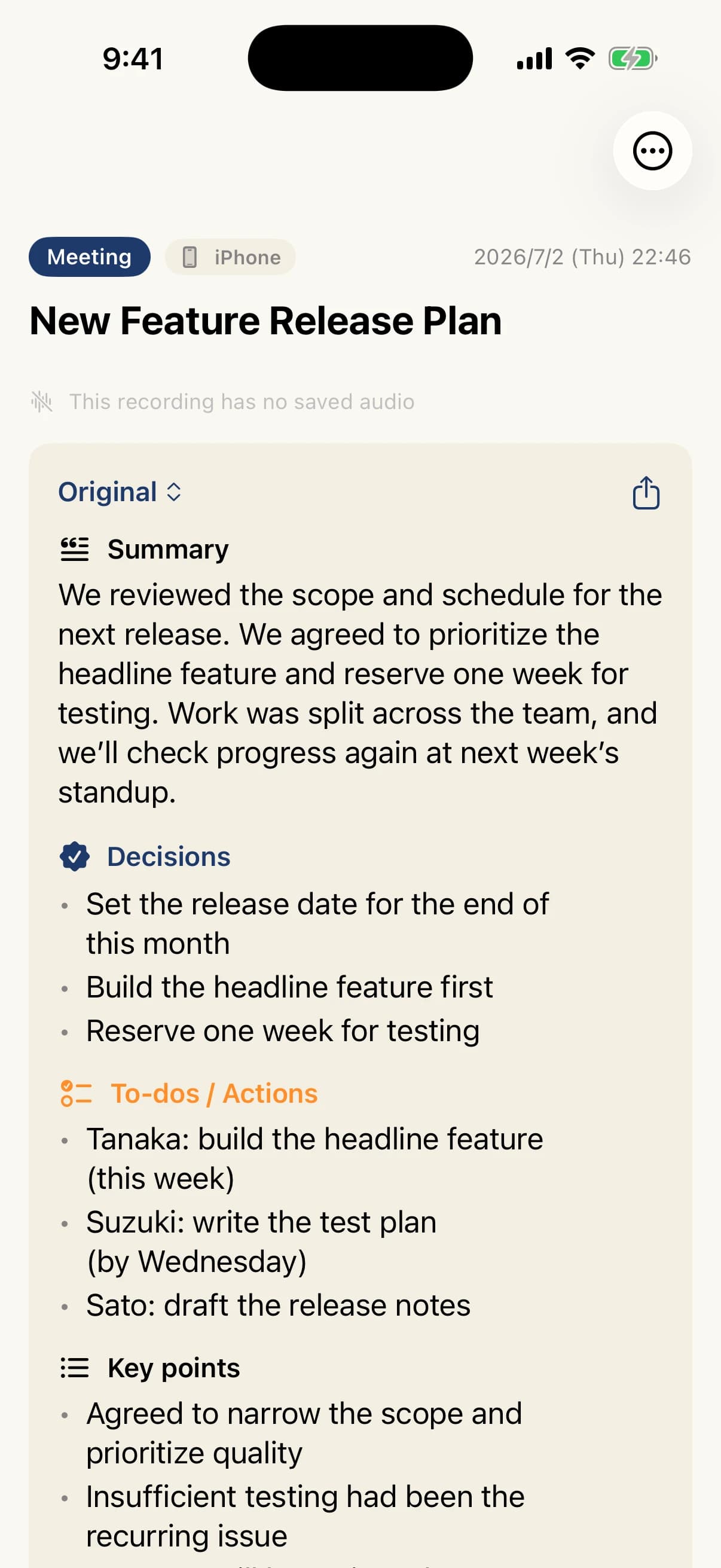
Just record — from transcript to summary. It tells speakers apart, and your voice never leaves your iPhone.
Key features
Transcription
On-device transcription by Apple's Speech framework
Summary
Summaries by Apple Intelligence (on device / Apple's Private Cloud Compute)
Speaker ID
On-device speaker separation by FluidAudio
Apple Watch
Start, stop, and highlight from your wrist
- Requirements
- iPhone with iOS 26.4 or later
- Pricing
- Free to download, with in-app purchases
Screenshots



On the App Store
STIL.ART
Kids' artwork into a gallery
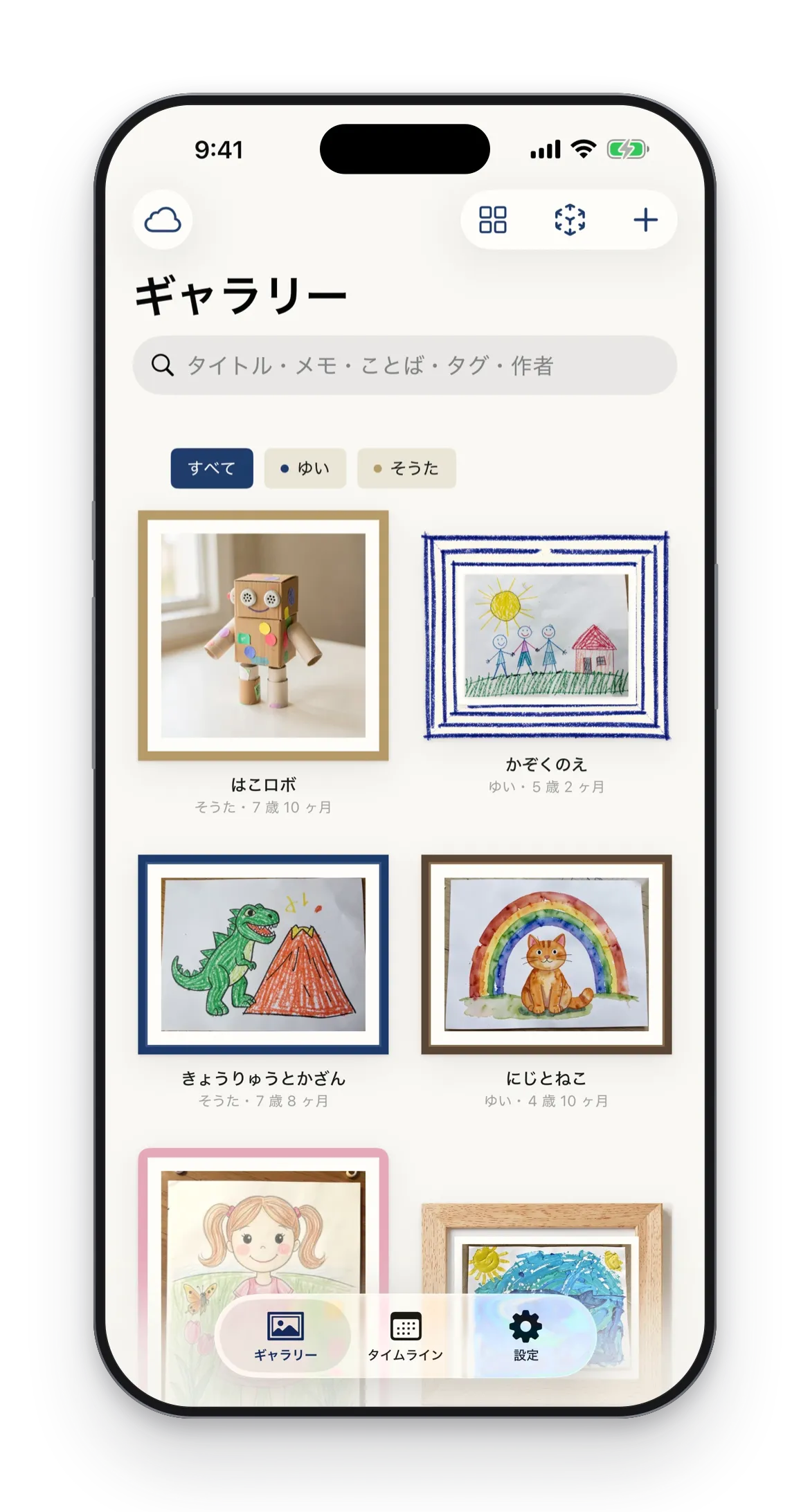
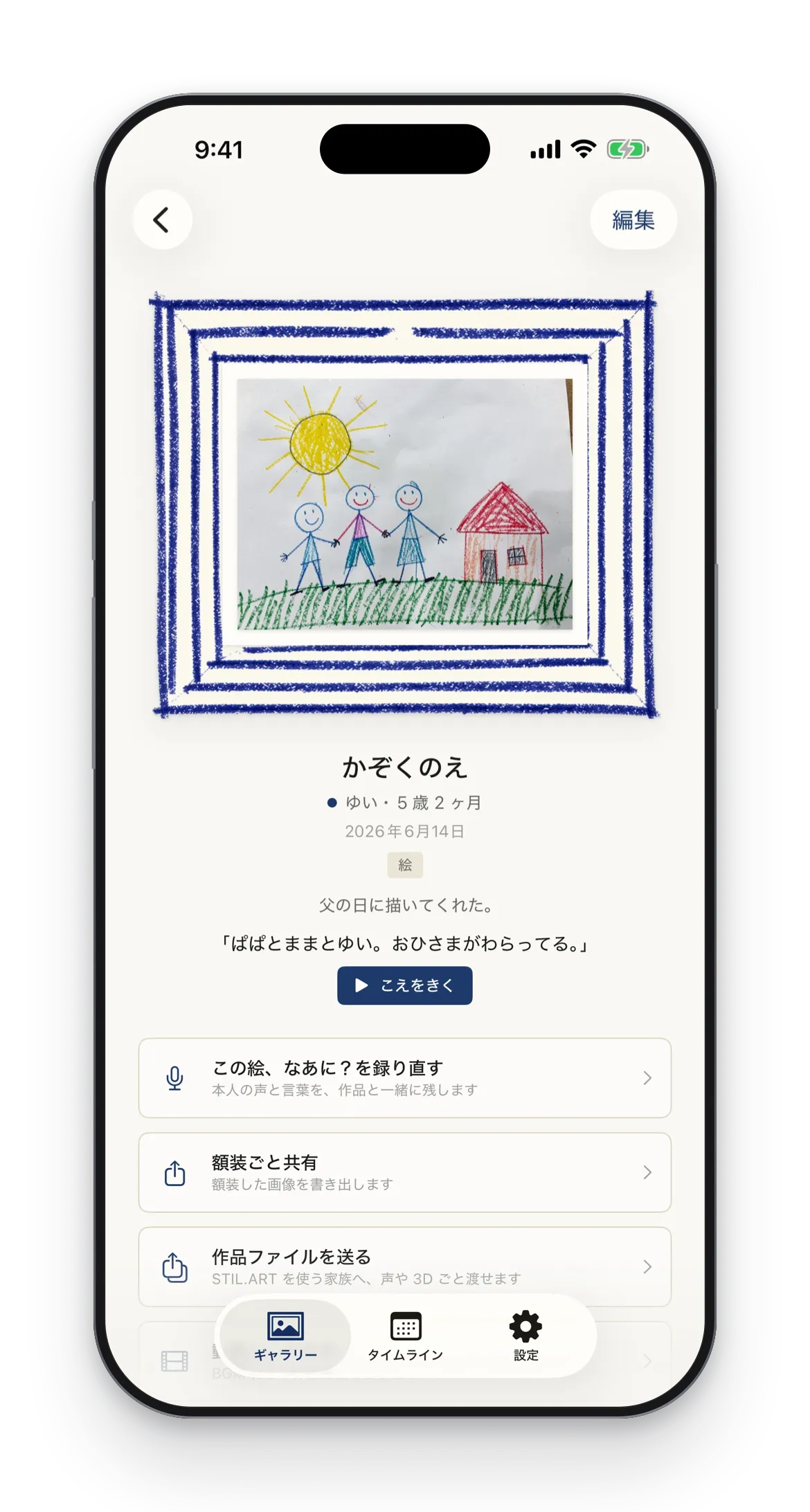
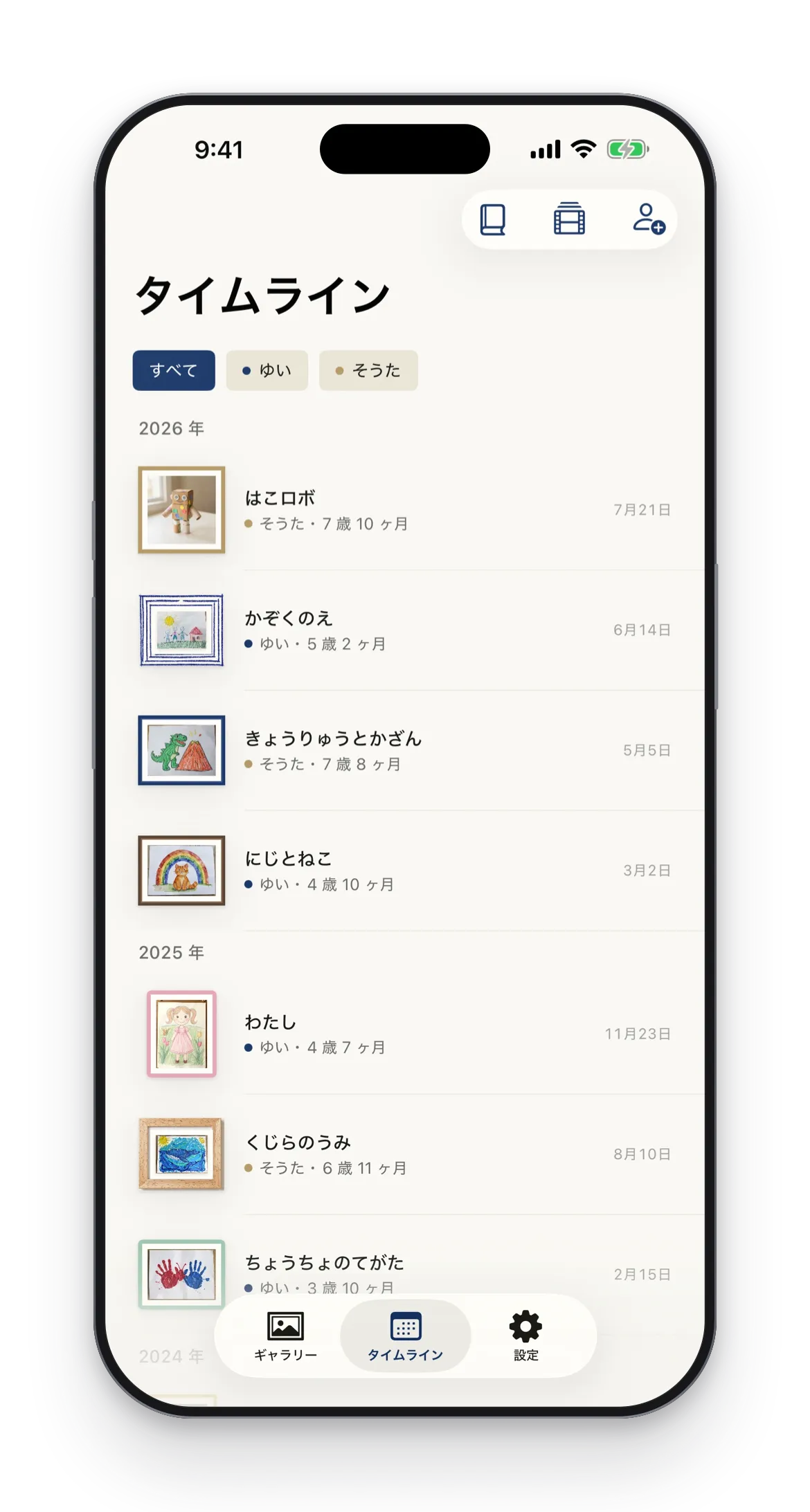
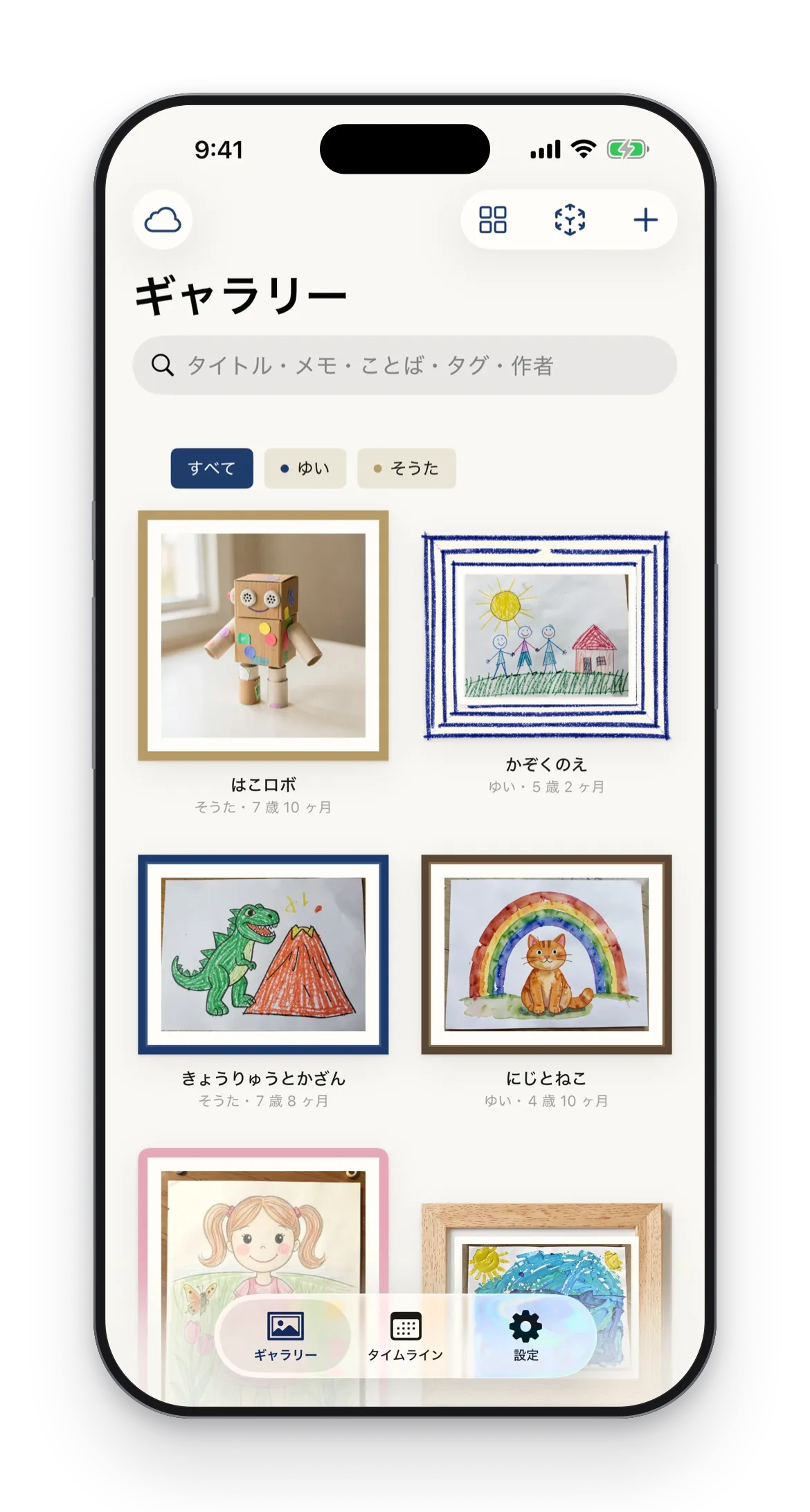
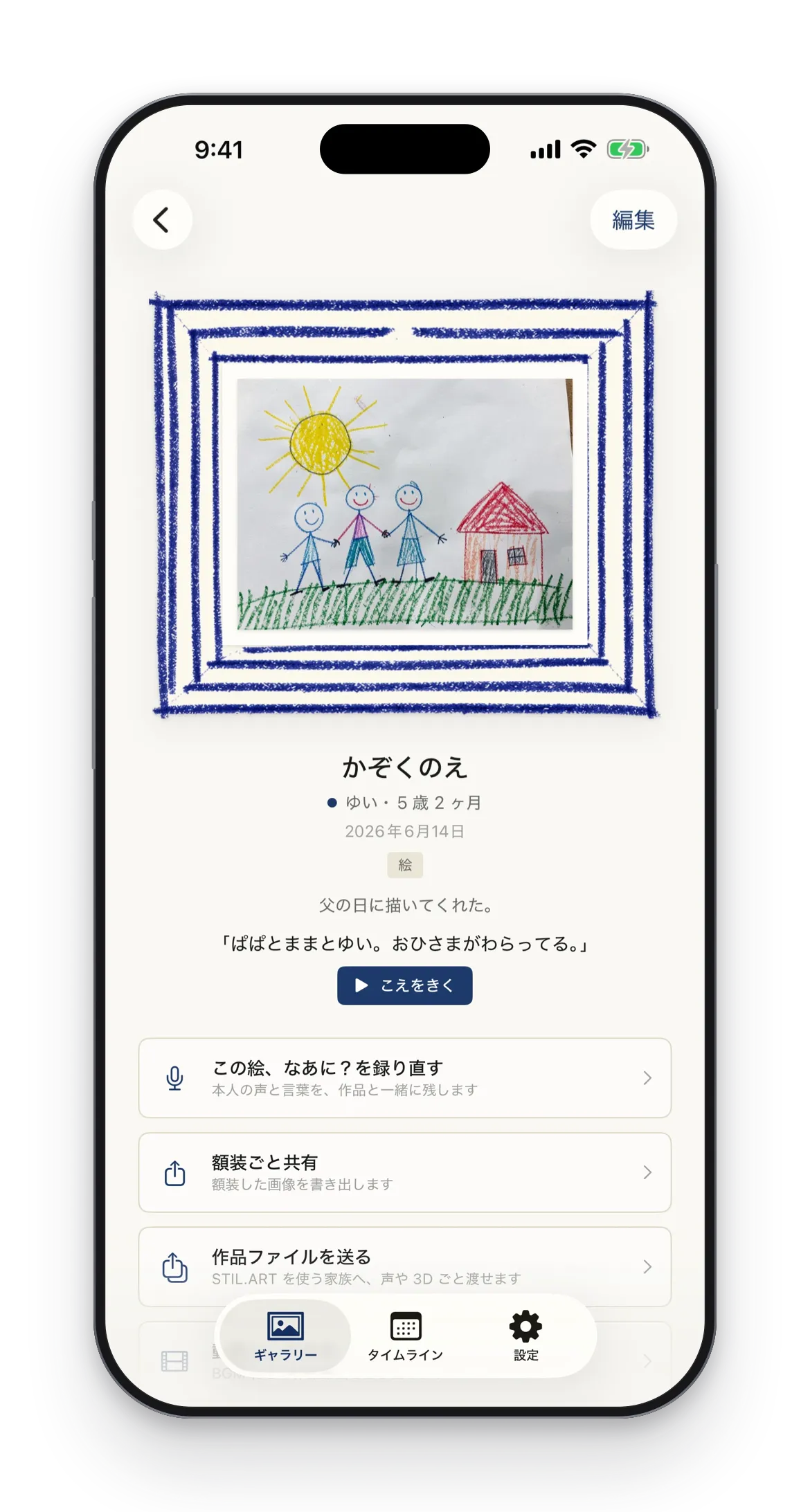
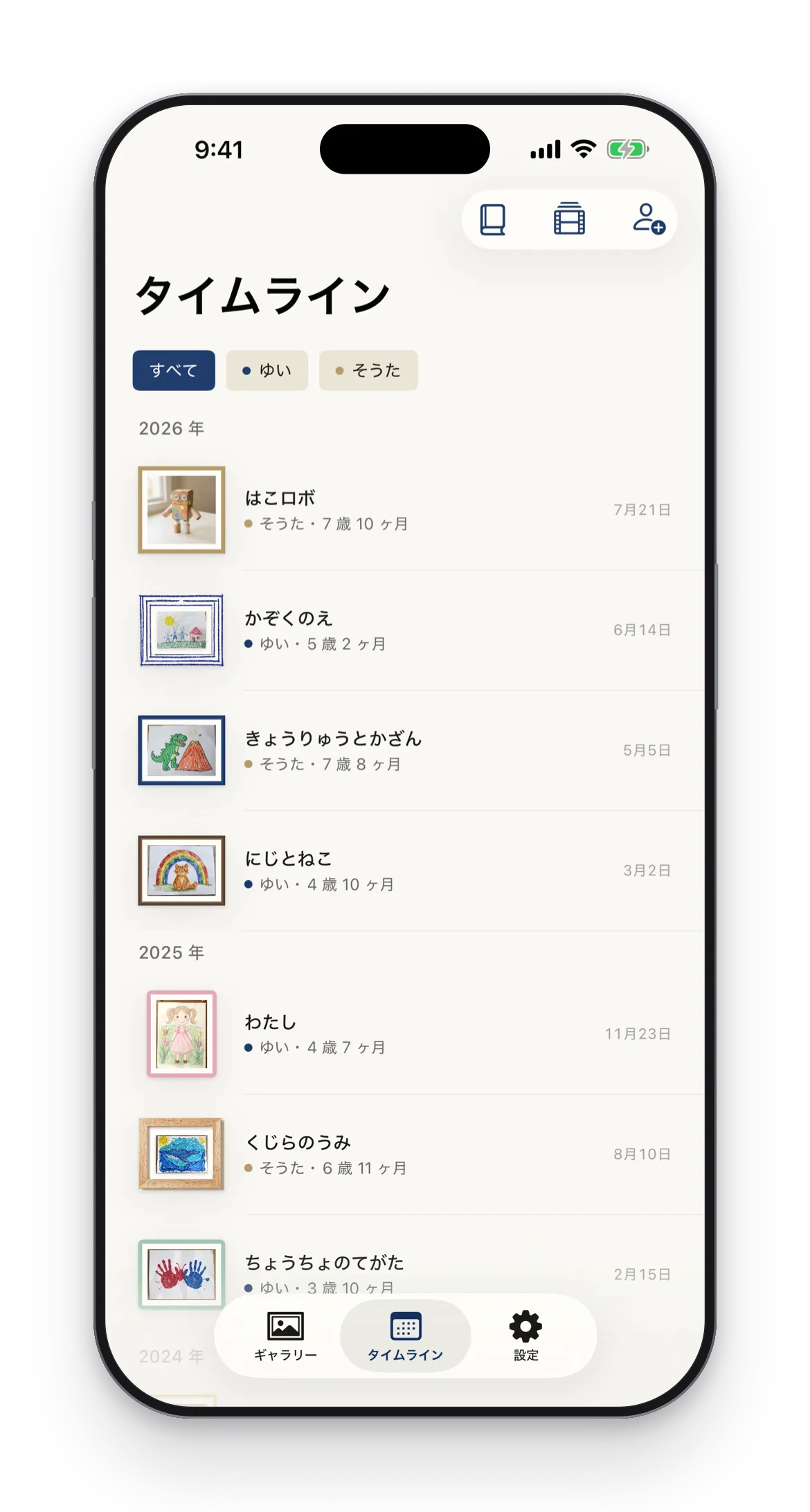
Drawings by document scan, crafts in 3D. Framed on a timeline per child, exported as videos and photobooks. On your iPhone by default.
Key features
Keep
Drawings by scan, crafts in 3D.
Show
23 frame styles and a gallery with captions
Video
Growth movie: one video from a period of works
Photobook
Photobook PDF with cover, title page, and colophon
- Requirements
- iPhone with iOS 17 or later
- Pricing
- Free to download, with an in-app purchase (Pro is a one-time purchase)
Screenshots

On the App Store
STIL.HUB
Control for your Mac
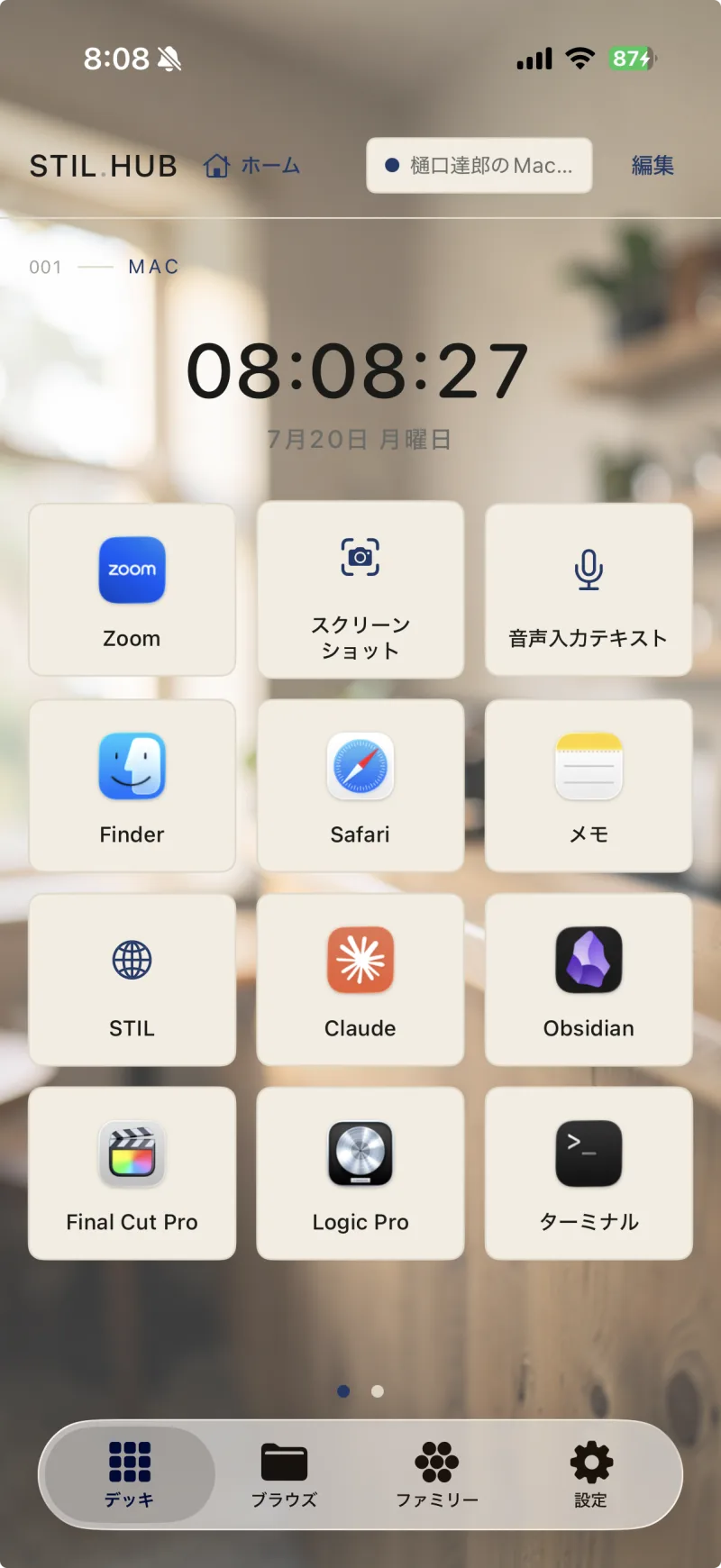
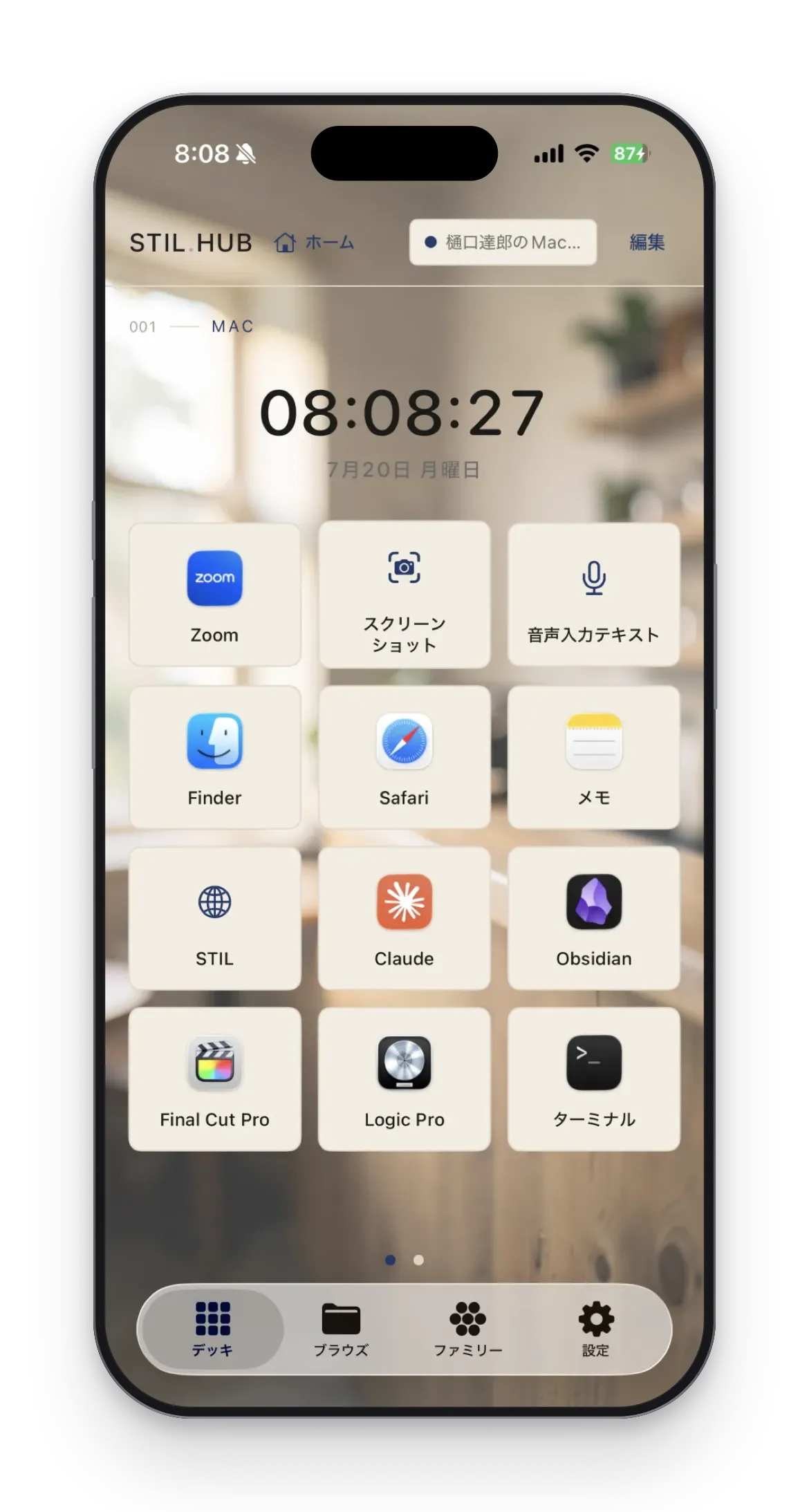
Turn everyday actions into buttons and run your Mac from your hand. All traffic stays on your local network.
Key features
Control Deck
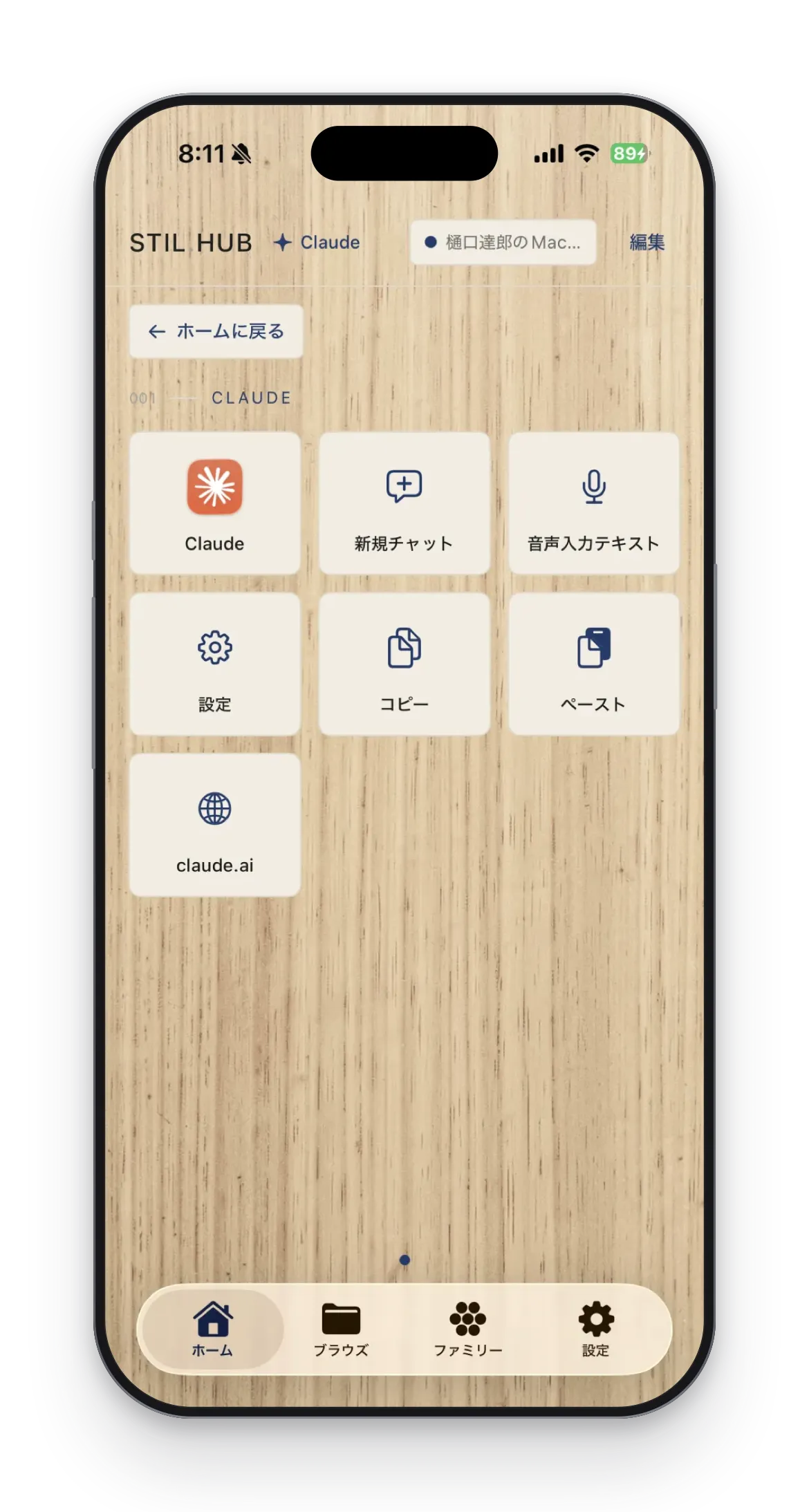
Launch apps, send keys, run Shortcuts
App Launch
Pick from installed Mac apps
Trackpad
Swipe to move the cursor, tap to click
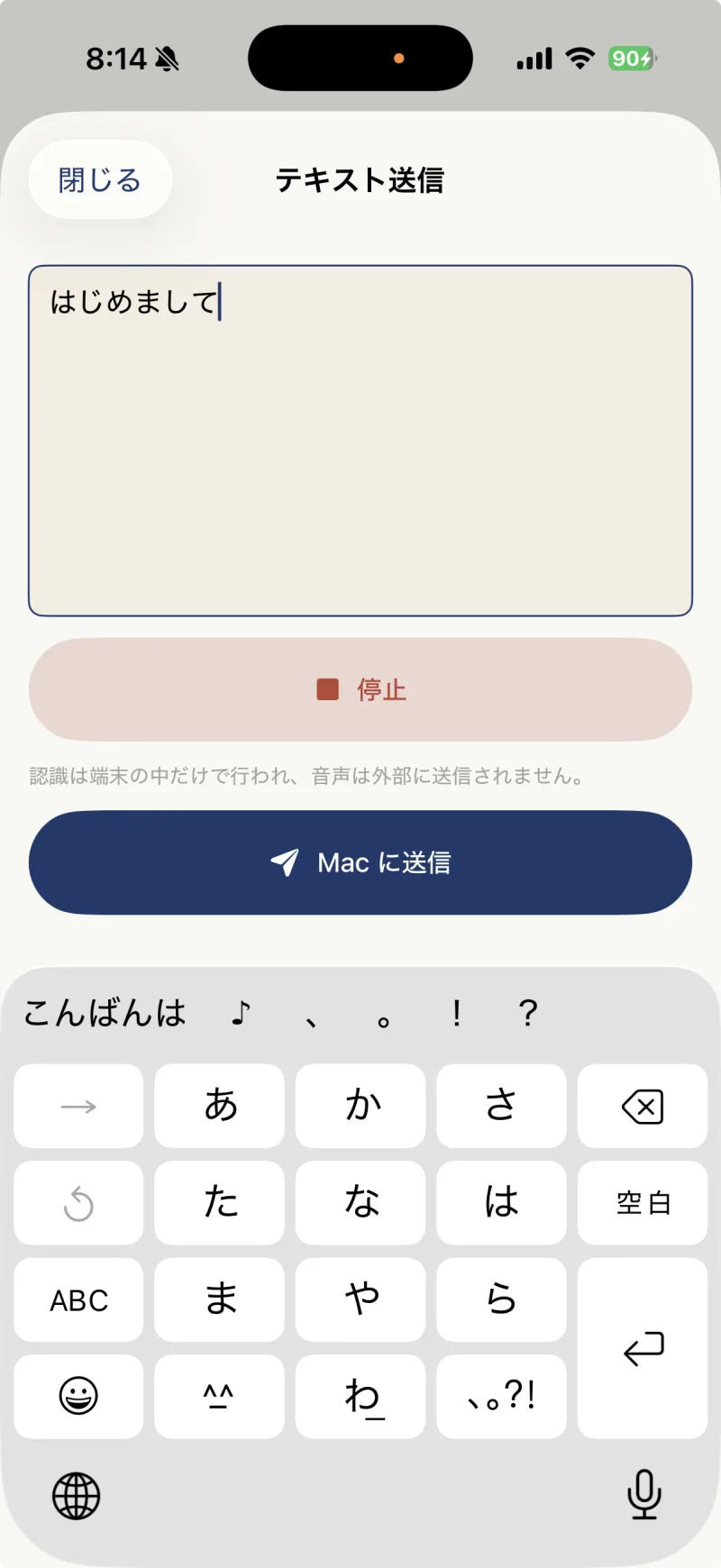
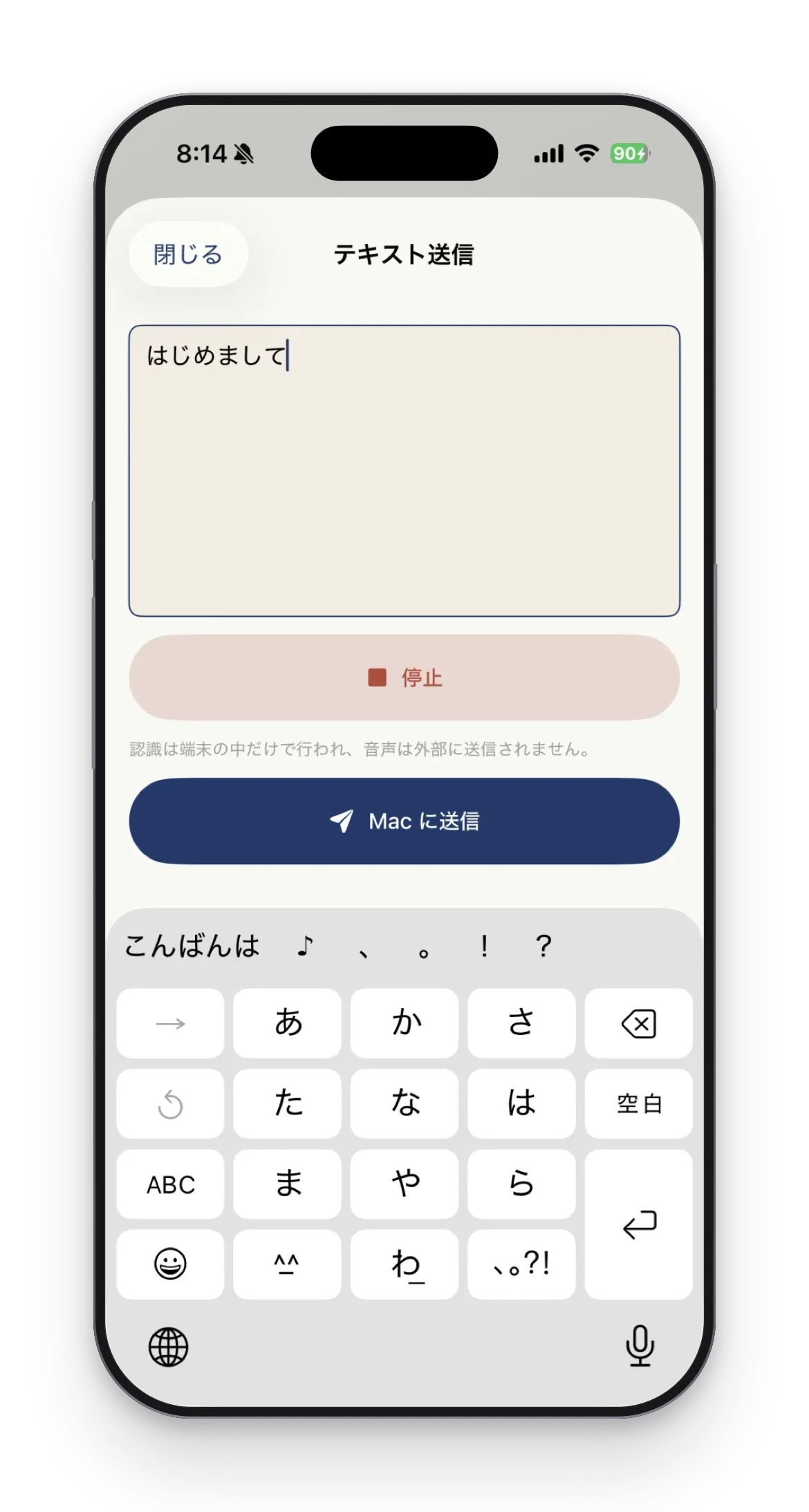
Text Input
Dictated text goes straight to your Mac
Files
Finder browsing, folder by folder
- Requirements
- iPhone with iOS 17 or later, and a Mac with macOS 14 or later
- Pricing
- Free, with no in-app purchases